The most used monitors by CS2 players
The most popular monitors are calculated based on 874 professional CS2 players.
Introduction
If you want to be the best CS2 player you can be, you’re going to need a high refresh rate monitor. There really is no way around it: if you’re looking at 60Hz vs 144Hz and higher, it’s very clear that higher refresh rates (What is Framerate?) are superior. If you’re looking for the best monitor for CS2, you’ve come to the right place: we’re constantly analyzing what the pros (see our CS2 Pro Settings and Gear List) are using. We’ll give you the ins and outs of the best CS2 monitors so that you can order your next panel with peace of mind.
You can also browse our gaming monitor spec list for even more info.
Our Guide
The Pro Usage Top 5 gets updated continuously and instantly so that you can always get an accurate overview of what the pros are using at any given time. In the body of the article itself, we go over the five most popular pro products in no particular order and, when relevant, we also give you some extra options in the form of products that fall just outside of the top 5 or are otherwise relevant.
What makes a monitor good for CS2?
Counter-Strike is a very pure shooter. There’s deep mind games and a ton of strategy involved in high level matches, but in essence CS2 is all about ‘point, click, and win’ in the sense that there are no abilities, shields, extra lives, or anything like that involved in the game. You get shot in the dome by an AK and you’re out of the round. It needs no explanation, then, that having great aim and the ability to spot players in an instant can really enhance your gameplay.
If you’re playing on a slow, washed out monitor, you’re going to be at a disadvantage in a game where a split second can mean the difference between a round that’s won and a round that’s lost.
According to our analyzed professionals (and our CS analysts) you’re going to need a monitor that’s capable of pushing at least 240 frames per second. If you’re on a budget or you’re a more casual player who wants to combine higher resolution gaming with high(er) framerates then 144Hz is also fine, but if you’re even a little bit serious about CS2 we don’t recommend going below that.
All of the monitors in this list have a max resolution of 1920×1080, and even that can be considered too high for this game, at least when looking at the pros. A lot of pros lower their resolution in order to get higher framerates, for example.
We realize that people also like to game on higher resolution monitors, or even curved or ultrawide displays, but those are usually not ideal for high tier competitive gaming for a variety of reasons. If you want to play FPS games at the highest level, you want the fastest response times and most fluid gameplay, so eye candy isn’t of importance when we talk about competitive gaming.
ZOWIE XL2566K
ZOWIE’s take on 360Hz
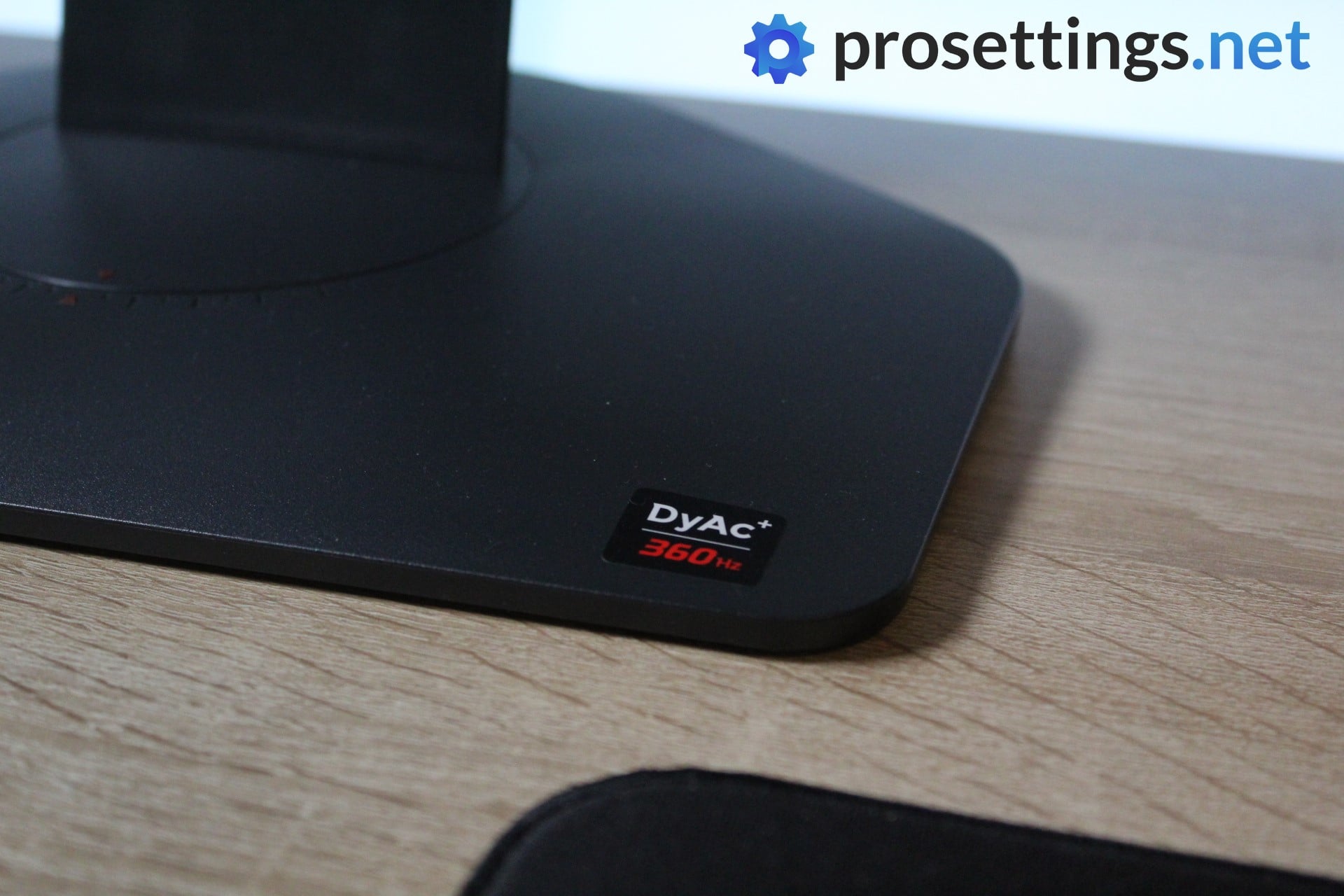
It took ZOWIE a while to really dive into the 360Hz world with their own monitor, but the wait was definitely worth it. The XL2566K offers that signature ZOWIE responsiveness in combination with their amazing motion clarity, making this one of the very best purely competitive gaming monitors that you can buy. We say ‘purely competitive’ because ZOWIE goes for performance over anything else, and that is something that’s noticeable with the XL2566K.
As all modern ZOWIE monitors, the XL2566K comes with the S-Switch for increased ease of use, and it also features technology such as DyAc and Black eQualizer to really enhance the competitive nature of the product. You can also share and import monitor profiles with the Setting to Share program, which is handy.
For hardcore competitive gamers
This monitor uses a TN panel, for example, while many other gaming manufacturers have gone for IPS panels since those offer a better looking image over TN. With that said, the XL2566K is one of the fastest and clearest gaming monitors in the world, so if you’re laser-focused on getting the very best performance out of your setup then this monitor should definitely be on your list.
The XL2566K is the spiritual successor to the XL2646K, so it shares the same design. If you’re someone who doesn’t want a 360Hz monitor (because your PC can’t handle it, or because you’re on a budget, or …) you can still go for the XL2546K as a perfectly valid option, though the XL2566K is the better choice for hardcore competitive gamers.
If winning duels, games, and climbing the ladder is your sole focus and that’s all you want out of a monitor then the XL2566K should be very high on your list of priorities. It’s a slightly older monitor at this point in time, but that’s good news as it means that it can often be found at reduced prices.
ZOWIE XL2566K
Used by 244 CS2 players ()
-
ZywOo

-
b1t

-
w0nderful

-
frozen

Staff's Choice
Pro's Choice
If you are a competitive gamer who takes their game extremely seriously and you want to get the fastest and smoothest gaming monitor to help you be the best player you can be, then you have to get the ZOWIE XL2566K right now.
Read review (12/2022)
Pros
- 360Hz refresh rate along with fast TN panel makes it one of the smoothest monitors out there
- Subtle design
- Small footprint of the base
- Lots of QoL features such as the stand markings, the S switch, the included (and detachable) glare panels, …
- Picture quality is great for a TN panel…
Cons
- … but it doesn’t match IPS panels when it comes to quality
- Expensive for a 1080p monitor
- Low viewing angles
Specs
| Size | 24.5″ |
|---|
| Resolution | 1920×1080 |
|---|
| Aspect Ratio | 16:9 |
|---|
| Refresh Rate | 360 |
|---|
| G-Sync | No |
|---|
| FreeSync | No |
|---|
| Panel Tech | TN |
|---|
ZOWIE XL2546K
Perfecting the recipe
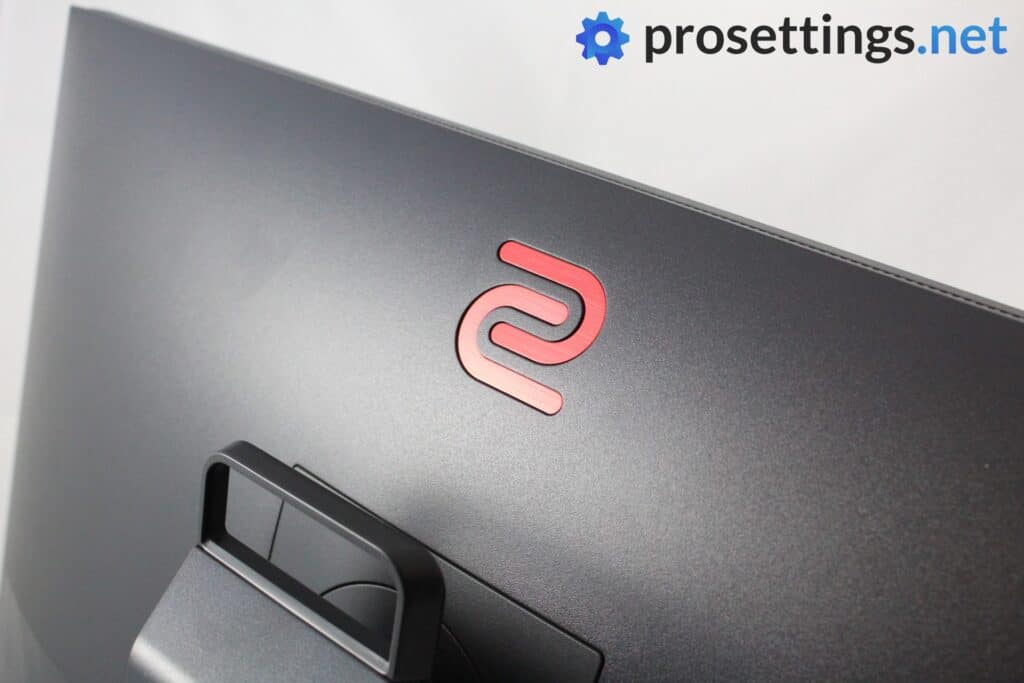
The XL2546K was the successor to the wildly popular XL2546, featuring a number of improvements over its predecessor. When the people over at ZOWIE made the original XL2546 monitor, they set out to make the ultimate gaming monitor for Counter-Strike, and according to our reviewer (see our XL2546 review) they did that perfectly. For a long time, the XL2546 was the best gaming monitor out there, and this successor shaved off some of the rougher edges of its predecessor. It’s showing its age a bit, but it’s still a perfectly capable budget-oriented option.
Made for Counter-Strike
The XL2546K, like most of ZOWIE’s products, was made with CS in mind. As such, it shouldn’t be a surprise that it’s still massively popular among CS2 pros. The refresh rate of 240Hz perhaps isn’t as groundbreaking today as it once was, but this is still very much a top-performing gaming monitor, and an ideal choice for players who are on a budget.
This monitor debuted most of the features that are now standard on ZOWIE monitors (Setting to Share etc.) so you’re still getting a full-featured ZOWIE product, just with a slightly lower refresh rate and a slightly worse panel.
ZOWIE XL2546K
Used by 232 CS2 players ()
-
Twistzz

-
FalleN

-
kscerato

-
juanflatroo

Staff's Choice
Pro's Choice
If you’re looking for a competitive gaming monitor this is a fantastic option, and it’s without a doubt one of the best monitors you can buy right now.
Read review (12/2020)
Pros
- Stand has a small footprint
- Subtle design
- Markings on all adjustable points to help with achieving the perfect panel position
- S-Switch and joystick make navigating the OSD a breeze
- Lightning fast response times
- Myriad of gaming-focused options to configure and use
Cons
- Viewing angles aren’t great
- Picture quality isn’t the best due to the usage of a TN panel
Specs
| Size | 24.5″ |
|---|
| Resolution | 1920×1080 |
|---|
| Aspect Ratio | 16:9 |
|---|
| Refresh Rate | 240 |
|---|
| G-Sync | No |
|---|
| FreeSync | No |
|---|
| Panel Tech | TN |
|---|
ZOWIE XL2586X+
Pushing the boundaries
High refresh rates are the name of the game in the pro scene. But with 360Hz being the current ‘standard refresh rate,’ not many people thought 600Hz monitors were close.
And yet, ZOWIE released a 600Hz monitor. The XL2586X+ is a 1080p TN panel, so it’s absolutely not a monitor that is aimed at casuals. But with a blazingly fast 600Hz refresh rate and response times that are among the best out there, this is the ‘tryhard monitor’ to get if you care about your performance.
Do note that you need a very powerful PC before you can even think of playing games at 600Hz (even CS2) but if you are willing to squeeze every ounce of performance out of your PC, the XL2586X+ is worthy of consideration.
ZOWIE XL2586X+
Used by 96 players ()
The ZOWIE XL2586X+ is a statement product. It doesn’t care about wide appeal. It’s built for one thing: pure, no-compromise competitive performance. And in that regard, it absolutely delivers.
Read review (04/2025)
Pros
- Gaming performance is best-in-class
- Adjustable in all the right ways
- DyAc 2 feels great on this monitor
- Small, but very reliable stand
Cons
- Viewing angles aren’t good
- Thick bezels
- 600Hz 1080p panel is overkill for all but the most hardcore of gamers
Specs
| Size | 24″ |
|---|
| Resolution | 1920×1080 |
|---|
| Aspect Ratio | 16:9 |
|---|
| Refresh Rate | 600 |
|---|
| G-Sync | No |
|---|
| FreeSync | No |
|---|
| Panel Tech | TN |
|---|
ZOWIE XL2566X+
A small step beyond 360Hz
With the XL2566X+, ZOWIE builds on what made the XL2566K so popular. This monitor pushes the refresh rate to 400Hz while sticking to the same core philosophy: performance first, no unnecessary extras. Just like ZOWIE’s other high-end competitive offerings, this is a 1080p TN panel that is clearly aimed at players who care more about responsiveness and motion clarity than image quality.
At 400Hz, the XL2566X+ sits in a niche that is firmly focused on high-level competitive play. The difference compared to 360Hz won’t matter to everyone and honestly isn’t worthy of an upgrade if you’re on a 360Hz ZOWIE monitor, but for players who are looking for a 360-400Hz monitor, this is a top option.
If you have the hardware to consistently push very high frame rates and you are already considering monitors like the XL2566K or even the XL2586X+, the XL2566X+ makes sense as a middle ground. It’s not for casual players, but for those who want a 400Hz competitive monitor from a brand that is deeply rooted in Counter-Strike, this is a very logical option.
ZOWIE XL2566X+
Used by 61 CS2 players ()
Summarizing: if you want the absolute best gaming monitor out there and you’re only focused on speed and performance, go for a ZOWIE. It’s quite simple. If you want a bit of a mixture between performance and visuals, go for another monitor, as this one really is all about gaming.
Read review (10/2024)
Pros
- Great picture quality for a TN monitor
- Fantastic gaming performances
- Great stand with a small footprint
- Best and most complete ZOWIE monitor yet
Cons
- Expensive for a 1080p TN monitor
- Some coil whine at higher refresh rates
Specs
| Size | 24″ |
|---|
| Resolution | 1920×1080 |
|---|
| Aspect Ratio | 16:9 |
|---|
| Refresh Rate | 400 |
|---|
| G-Sync | No |
|---|
| FreeSync | No |
|---|
| Panel Tech | TN |
|---|
ZOWIE XL2546
An older version
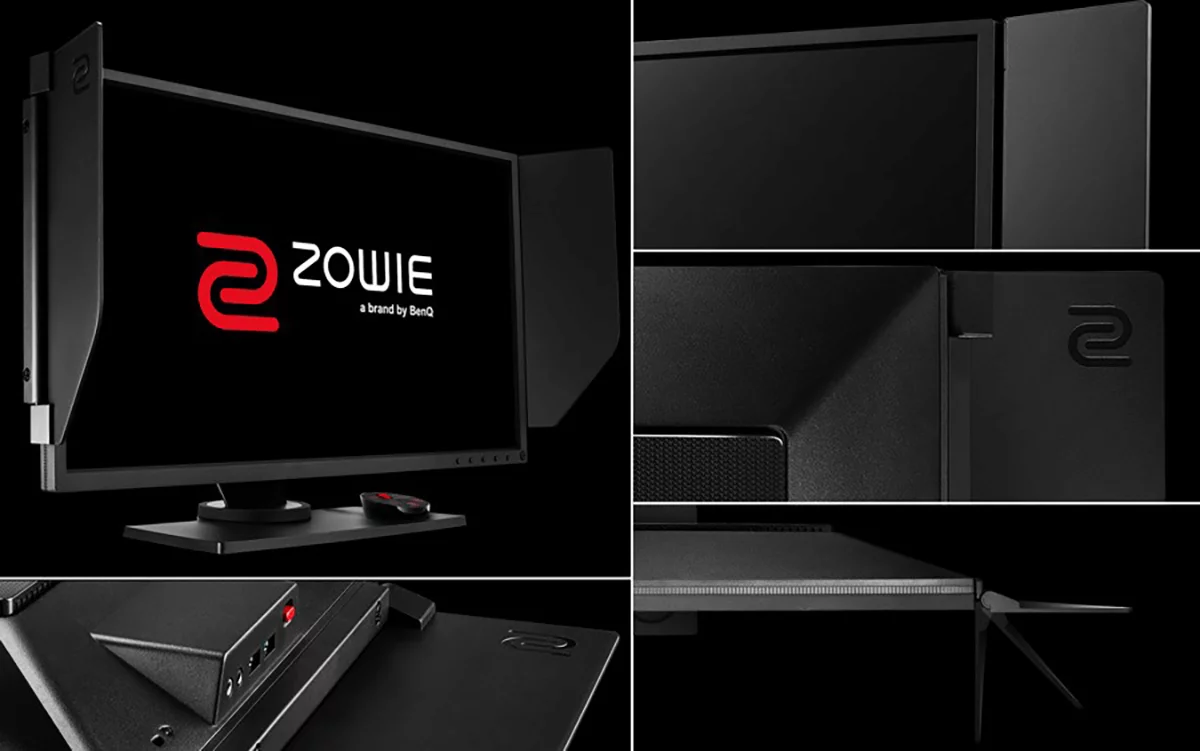
This is the predecessor to the XL2546K so unless you’re getting a crazy deal on this one, we would recommend going for a more up-to-date ZOWIE monitor. The K version brought a number of improvements over this monitor: it has a thinner panel and a smaller, more rounded stand so it has a much smaller footprint. The K also has a better looking panel when it comes to picture quality and has all the controls (including a joystick for navigating the OSD, which the older version doesn’t have) on the back for minimal distractions.
As you can read, there’s not a massive difference between the two (the XL2546 and the 2546K), so if you already have this monitor there’s really no need to upgrade, but if you’re considering a ZOWIE monitor the K is definitely our choice for the reasons mentioned above.
ZOWIE XL2546
Used by 60 CS2 players ()
Staff's Choice
Pro's Choice
The BenQ Zowie XL2546 is, without a doubt, one of the best gaming monitors money can buy right now. From the careful attention to detail (the monitor position markings, the headphone holder, …) aimed at esports enthusiasts to the absolutely superb performance in games; the XL2546 is a complete package for anyone who wants to up their game with a rockstar monitor.
Read review (06/2018)
Pros
- Very fast response times
- 240Hz is a noticeable improvement over 144Hz, though the jump is smaller than when going from 60Hz to 144Hz
- Subtle design
- S-Switch makes controlling the OSD extremely easy
- DyAc works as advertised
Cons
- TN panel doesn’t make for the best picture quality
- Viewing angles aren’t good
Specs
| Size | 24.5″ |
|---|
| Resolution | 1920×1080 |
|---|
| Aspect Ratio | 16:9 |
|---|
| Refresh Rate | 240 |
|---|
| G-Sync | No |
|---|
| FreeSync | No |
|---|
| Panel Tech | TN |
|---|
ZOWIE’s Dominance
The stats above are clear: pros definitely prefer ZOWIE. This is due to a number of reasons, with the most important one being that ZOWIE is a brand that’s basically synonymous with the competitive Counter-Strike scene. A lot of their products are made with tactical shooters (CS in particular) in mind, and the same can be said for their monitors.
Certain features seem to be tailor-made for Counter-Strike, and if you top that off with the fact that ZOWIE monitors are objectively speaking playing in the very upper echelons when it comes to pure gaming performance it’s perhaps not difficult to see why this brand is so dominant in the CS2 scene. That obviously doesn’t mean that other brands aren’t making good CS2 monitors, but if you live and breathe Counter-Strike and competing in the game is your main focus, we’d recommend a ZOWIE monitor too.
Lastly, a little handy tip for people who are considering a ZOWIE monitor: ZOWIE has a dedicated CS2 profile on their page, and we also have an article dedicated to the best CS2 monitor settings for ZOWIE users.
Best Monitor for CS2 – Conclusion
There’s one conclusion that’s clear as day if we’re following the pros on this: you’ll need a monitor capable of pushing at least 240Hz in order to compete at the highest levels. That’s going to be an investment, and you can certainly get by with a 144Hz monitor if you’re not that serious about competing, but if you truly want to be the best you can be you’ll need a high refresh rate monitor.
With the entry level options becoming better and cheaper each day there are plenty of possibilities for gamers to step into the realm of high refresh rate gaming.
We hope that you found this article useful, but as always we encourage you to do your own research (feel free to browse around the website, we do a lot of research ourselves) in order to find what best suits you and your budget. If you have any questions or remarks, please feel free to reach out to us!
If you’re interested in gaming monitors, feel free to check out our gaming monitors list. This list has all of the monitors in our database, along with their specs and usage numbers.

