The most used monitors by VALORANT players
The most popular monitors are calculated based on 657 professional VALORANT players.
Introduction
VALORANT is a game that has earned its spot as one of the world’s most beloved esports titles. The competitive scene is thriving, and tons of players log on every day to play Riot’s exciting mix of hero shooters and tactical shooters.
If you want to be competitive in a game where every shot counts, it’s incredibly important to have a reliable monitor. And hat’s where we come in. We’ve been analyzing what the pros are using and we’ve come up with this list of the most used gaming monitors in the pro scene. In this article we’ll go over each monitor and briefly shine a light on the standout features to help you select the best monitor to aid you in your climb to Radiant.
Feel free to also check out our gaming monitor spec list for more info.
Our Guide
The Pro Usage Top 5 gets updated continuously and instantly so that you can always get an accurate overview of what the pros are using at any given time. In the body of the article itself, we go over the five most popular pro products in no particular order and, when relevant, we also give you some extra options in the form of products that fall just outside of the top 5 or are otherwise relevant.
What makes a monitor good for VALORANT?
All of our analyzed VALORANT professionals use a monitor that’s capable of displaying at least 240 frames per second, though 360Hz is clearly the current standard in the top leagues. That’s not a surprise at all: the same is true for all of our other analyzed games, and it’s completely clear that higher framerates coupled with a monitor that can display those frames gives you a myriad of advantages in games such as VALORANT.
In short: a higher refresh rate setup will give you a much smoother and clearer image on the screen which makes it much easier to (for example) track that pesky Jett when she dashes past you. It’ll also make the game look and feel much more responsive, giving you a definite edge over your opponents who are playing on a 60Hz setup.
Of course going for a high refresh rate monitor isn’t a shortcut to shoot up the ranks (nothing is, except for dedicated practice) but once you go for a high refresh rate monitor you won’t want to go back for competitive gaming. Trust us.
You’ll also notice that the vast majority of the monitors in the pro scene are 1080p monitors. That’s because getting enough frames is way more important to competitive gamers than getting a more crisp looking image, since raising your resolution also means lowering your framerates. Almost no professional in any game that we analyze is on a resolution that’s higher than 1920×1080, and the same is true for the VALORANT pros. That’s not to say that you can’t go for a higher resolution panel, but if you’re looking for a dedicated VALORANT monitor, you can absolutely stick with 1080p.
In case you decide on getting a ZOWIE monitor you can find ZOWIE’s recommended video settings for Valorant (and other competitive games) here.
ZOWIE XL2566K
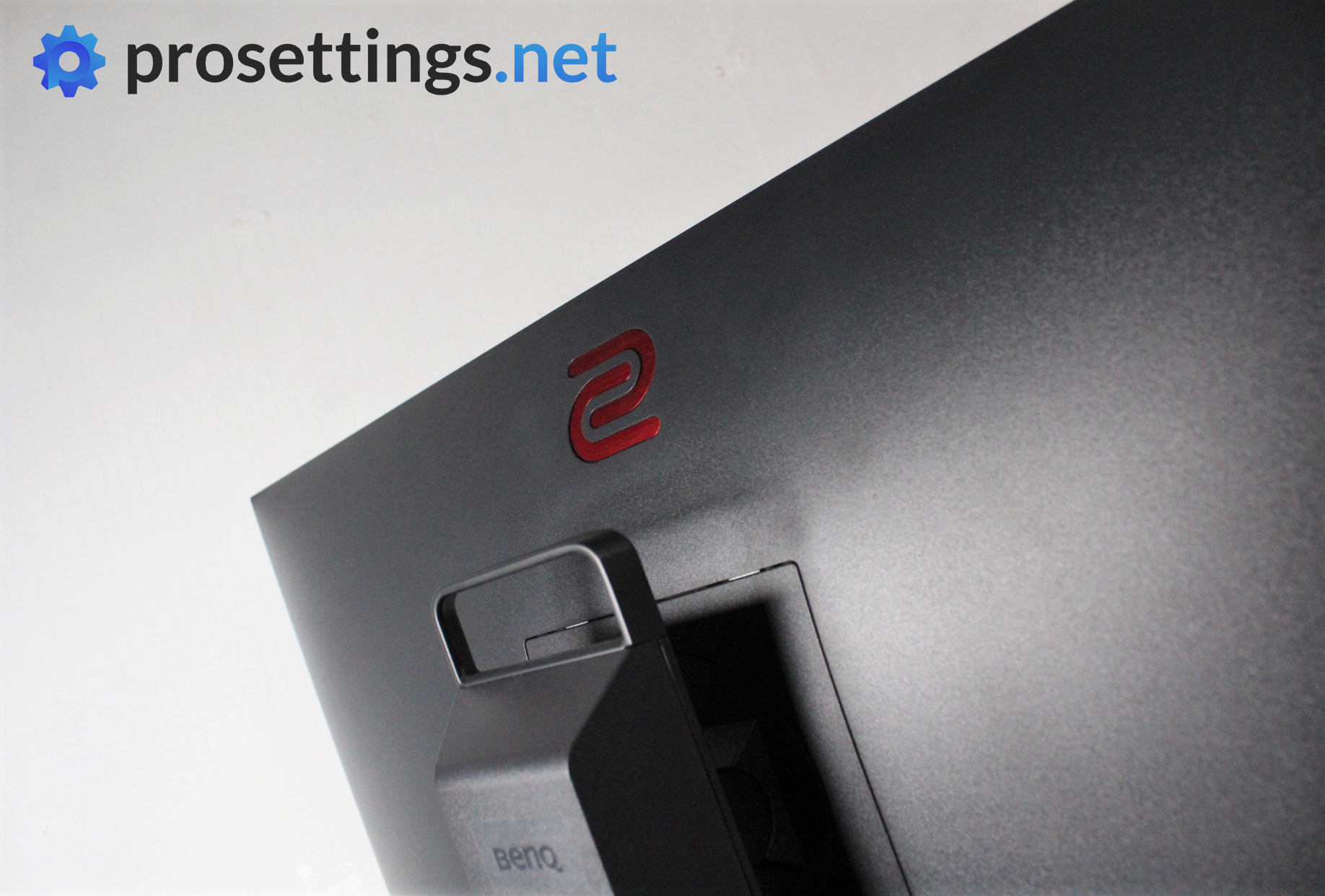
If your main game is VALORANT and you’ve got a powerful PC that can run the game at high framerates, you might want to think about investing in a 360Hz monitor, since VALORANT is quite easy to reach those kinds of framerates with.
If it is a 360Hz monitor you’re looking for, the ZOWIE XL2566K is one of the best options out there. Combining all of ZOWIE’s technical know-how into a 360Hz panel, this is one of the fastest and clearest monitors that you can buy right now. Because of ZOWIE’s strong focus on competitive gamers, the XL2566K is currently the de facto ‘standard issue’ gaming monitor in the pro scene.
It is important to note that this monitor is very much focused on professional/competitive gamers, however. It’s a TN panel (which isn’t the best when it comes to picture quality) with a maximum resolution of 1920×1080, and it comes at a high price.
If you’re more of a casual gamer or you like to play games at higher resolutions every now and again, we recommend going for something else, but if you’re a diehard competitive player who wants to get every advantage they can possibly get, this one should be very high on your list.
If you do decide to go for this (or any other recent ZOWIE monitor) you can also check out ZOWIE’s Setting to Share program, which allows you to download pro player profiles directly to your own monitor.
ZOWIE XL2566K
Used by 166 VALORANT players ()
Staff's Choice
Pro's Choice
If you are a competitive gamer who takes their game extremely seriously and you want to get the fastest and smoothest gaming monitor to help you be the best player you can be, then you have to get the ZOWIE XL2566K right now.
Read review (12/2022)
Pros
- 360Hz refresh rate along with fast TN panel makes it one of the smoothest monitors out there
- Subtle design
- Small footprint of the base
- Lots of QoL features such as the stand markings, the S switch, the included (and detachable) glare panels, …
- Picture quality is great for a TN panel…
Cons
- … but it doesn’t match IPS panels when it comes to quality
- Expensive for a 1080p monitor
- Low viewing angles
Specs
| Size | 24.5″ |
|---|
| Resolution | 1920×1080 |
|---|
| Aspect Ratio | 16:9 |
|---|
| Refresh Rate | 360 |
|---|
| G-Sync | No |
|---|
| FreeSync | No |
|---|
| Panel Tech | TN |
|---|
ZOWIE XL2546K
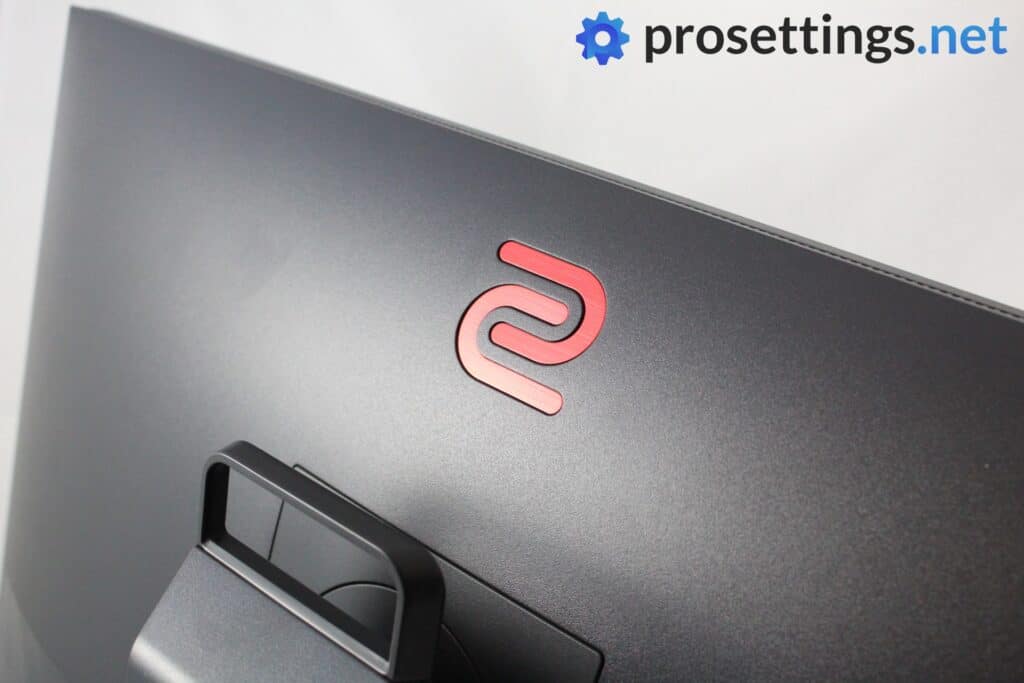
The XL2546K is the successor to one of ZOWIE’s most popular monitors ever, the XL2546. The K line of monitors improves on the hardware front, with a smaller base. Additionally, the different panel that is used in the K line is a (minor) improvement over the earlier versions.
The XL2546K is an older monitor at this point in time, but it’s still among the best esports displays out there. If you’re on a bit of a budget and/or you simply aren’t interested in extremely high refresh rate setups, the XL2546K is a fantastic option. With its 240Hz refresh rate and fantastic response times and motion clarity, it’s one of the strongest options in the 240Hz range.
ZOWIE XL2546K
Used by 109 VALORANT players ()
-
t3xture

-
Monyet

-
mindfreak

-
foxz

Staff's Choice
Pro's Choice
If you’re looking for a competitive gaming monitor this is a fantastic option, and it’s without a doubt one of the best monitors you can buy right now.
Read review (12/2020)
Pros
- Stand has a small footprint
- Subtle design
- Markings on all adjustable points to help with achieving the perfect panel position
- S-Switch and joystick make navigating the OSD a breeze
- Lightning fast response times
- Myriad of gaming-focused options to configure and use
Cons
- Viewing angles aren’t great
- Picture quality isn’t the best due to the usage of a TN panel
Specs
| Size | 24.5″ |
|---|
| Resolution | 1920×1080 |
|---|
| Aspect Ratio | 16:9 |
|---|
| Refresh Rate | 240 |
|---|
| G-Sync | No |
|---|
| FreeSync | No |
|---|
| Panel Tech | TN |
|---|
ZOWIE XL2546
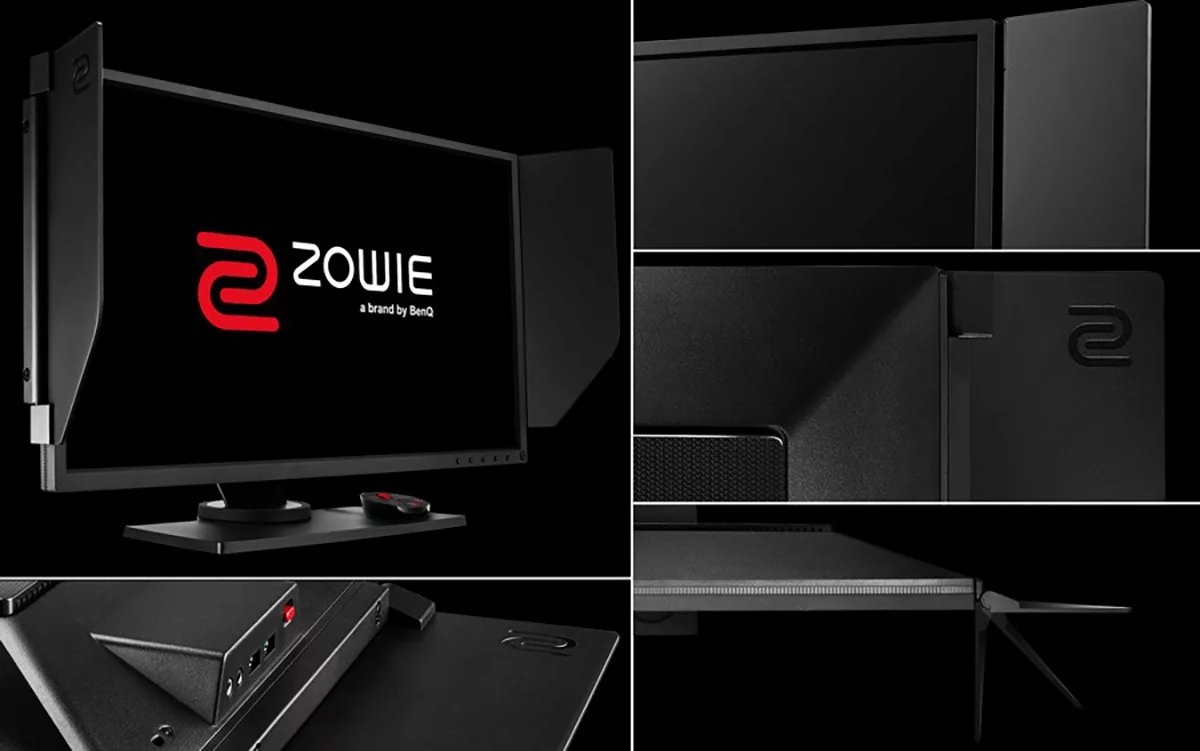
The XL2546 was one of the monitors that helped cement ZOWIE’s reputation in the competitive scene. It’s a 240Hz 1080p TN panel with a strong focus on responsiveness and motion clarity, and for a long time it was considered the go-to option for competitive players.
Compared to newer ZOWIE models, the XL2546 does show its age. The stand has a larger footprint, the panel is thicker, and it lacks some of the quality-of-life improvements that were introduced with the K line, such as the updated controls, a more refined OSD, and Setting to Share. Performance-wise it’s still very solid, but ZOWIE’s newer panels offer slightly better clarity and usability.
If you already own an XL2546, there’s no urgent need to upgrade, as it still performs well in competitive games like VALORANT. However, if you’re buying new, the XL2546K is the better choice if you want to get yourself a 240Hz ZOWIE monitor.
ZOWIE XL2546
Used by 45 VALORANT players ()
-
Sacy

-
Patiphan

-
pANcada

-
Meddo

Staff's Choice
Pro's Choice
The BenQ Zowie XL2546 is, without a doubt, one of the best gaming monitors money can buy right now. From the careful attention to detail (the monitor position markings, the headphone holder, …) aimed at esports enthusiasts to the absolutely superb performance in games; the XL2546 is a complete package for anyone who wants to up their game with a rockstar monitor.
Read review (06/2018)
Pros
- Very fast response times
- 240Hz is a noticeable improvement over 144Hz, though the jump is smaller than when going from 60Hz to 144Hz
- Subtle design
- S-Switch makes controlling the OSD extremely easy
- DyAc works as advertised
Cons
- TN panel doesn’t make for the best picture quality
- Viewing angles aren’t good
Specs
| Size | 24.5″ |
|---|
| Resolution | 1920×1080 |
|---|
| Aspect Ratio | 16:9 |
|---|
| Refresh Rate | 240 |
|---|
| G-Sync | No |
|---|
| FreeSync | No |
|---|
| Panel Tech | TN |
|---|
ZOWIE XL2566X+
With 360Hz being the current standard in competitive gaming, ZOWIE’s XL2566X+ is for people who want to push things a bit further without going all the way to 600Hz. It’s a 1080p TN panel, so it’s still very much a monitor that’s aimed at competitive players rather than people who care about picture quality, but for a TN panel it does deliver pretty good images and it comes with a refresh rate of 400Hz. To us, it’s the best monitor to go for if you want to get something that’s in between the absolute high-end section of the market and the beginner/standard models.
If your PC can consistently push very high framerates in VALORANT and you want that extra bit of smoothness and motion clarity over 360Hz, this is a monitor that makes sense. In terms of picture quality, it’s also one of the best ZOWIE monitors out there, so that’s another feather to add to the cap of this product.
ZOWIE XL2566X+
Used by 104 VALORANT players ()
-
f0rsakeN

-
ZmjjKK

-
Meteor

-
trent

Summarizing: if you want the absolute best gaming monitor out there and you’re only focused on speed and performance, go for a ZOWIE. It’s quite simple. If you want a bit of a mixture between performance and visuals, go for another monitor, as this one really is all about gaming.
Read review (10/2024)
Pros
- Great picture quality for a TN monitor
- Fantastic gaming performances
- Great stand with a small footprint
- Best and most complete ZOWIE monitor yet
Cons
- Expensive for a 1080p TN monitor
- Some coil whine at higher refresh rates
Specs
| Size | 24″ |
|---|
| Resolution | 1920×1080 |
|---|
| Aspect Ratio | 16:9 |
|---|
| Refresh Rate | 400 |
|---|
| G-Sync | No |
|---|
| FreeSync | No |
|---|
| Panel Tech | TN |
|---|
ZOWIE XL2586X+
Not many people expected 600Hz monitors to become a real thing this quickly, but ZOWIE went ahead and released one anyway. The XL2586X+ is a 1080p TN panel that’s completely focused on competitive performance, and it’s about as niche as gaming monitors get right now due to the fact that it’s only 1080p and has a TN panel (which is not great for picture quality compared to other tech).
To actually benefit from this monitor, you’ll need a very powerful PC that can push extremely high framerates. If you can, though, the XL2586X+ offers an absurdly fast and clear experience that’s aimed at players who want to squeeze every last advantage out of their setup. It’s not a casual monitor, but it’s definitely one to consider if performance is your only priority. If you don’t want to go all-in on performance, you can save a bunch of money by going for a slightly lower refresh rate monitor, though. We’d only recommend this to extremely competitive players.
ZOWIE XL2586X+
Used by 23 VALORANT players ()
-
Zekken

-
Demon1

-
ScreaM

-
johnqt

The ZOWIE XL2586X+ is a statement product. It doesn’t care about wide appeal. It’s built for one thing: pure, no-compromise competitive performance. And in that regard, it absolutely delivers.
Read review (04/2025)
Pros
- Gaming performance is best-in-class
- Adjustable in all the right ways
- DyAc 2 feels great on this monitor
- Small, but very reliable stand
Cons
- Viewing angles aren’t good
- Thick bezels
- 600Hz 1080p panel is overkill for all but the most hardcore of gamers
Specs
| Size | 24″ |
|---|
| Resolution | 1920×1080 |
|---|
| Aspect Ratio | 16:9 |
|---|
| Refresh Rate | 600 |
|---|
| G-Sync | No |
|---|
| FreeSync | No |
|---|
| Panel Tech | TN |
|---|
Best Monitor for VALORANT – Conclusion
VALORANT is built from the ground up to be a competitive shooter, and is quite easy to run. For that reason we would definitely recommend a 240Hz monitor, or even a 360Hz one.
Of course if you’re on a budget and/or you’re absolutely sure that you won’t be upgrading to a 240Hz system anytime soon you can definitely opt for a 144Hz panel. Remember that it’s important that your PC can push enough frames; there’s no need to go for a 240Hz monitor if your PC can barely push past 60 frames per second and you have no intention of upgrading any PC parts in the near future.
Hopefully this list has helped you get some insight into what makes a gaming monitor good for a game such as VALORANT but if you have any questions or remarks you can always reach out to us on Twitter, Discord, or in the comments of any of our relevant pages.

