Introduction
Pulsar is a relatively new brand, but it has been making huge waves in both the pro scene as well as the enthusiast scene. With a myriad of options to choose from, it seems like there’s already a Pulsar mouse for everyone out there, but that doesn’t stop the brand from coming up with new shapes. This X2N Crazylight is one of those new shapes. It’s a mouse with a wide back and a narrow waist that’s optimized for claw grip, according to the brand. Coming in at just 45/40 grams and utilizing today’s best tech, this should, in theory, be a great addition to the market. In our full Pulsar X2N Crazylight review, you’ll find out whether or not it is.
At A Glance
Pulsar X2N Crazylight Medium
Used by 8 players ()
-
soulcas

-
Jackinho

-
Dizzy

-
Dropped

The Pulsar X2N Crazylight isn’t perfect, but the shape is extremely interesting, so it’s a good foundation to build on.
Pros
- Interesting, original shape that provides a great deal of lock-in
- Good build quality
- Good feet
Cons
- Scroll wheel is not up to par
- Coating is difficult to keep clean
Specs
| Sensor | XS-1 Sensor |
|---|
| Polling Rate | 8000 Hz |
|---|
| Button Switches | Optical Switches |
|---|
| Connection | Wireless |
|---|
| Shape | Ambidextrous |
|---|
| Length | 12.4cm |
|---|
| Height | 4.0cm |
|---|
| Weight | 45g |
|---|
| Width | 6.5cm |
|---|
First Impressions
Packaging
Inside the box of the Pulsar X2N Crazylight, you will find:
- The mouse itself
- The USB receiver dongle
- A USB-C-to-USB-A cable
- User documentation
- A Pulsar Crazylight sticker
- A Pulsar X2N Crazylight ‘trading card’ with specs
- A pack of 16 Pulsar dot skates
I know that dot skates are all the rage in the more niche mouse market right now, and it’s cool to see them included, but I would have also liked to see regular replacement feet. With that said, it’s nice that Pulsar is allowing people to try out dots without having to go through the process of ordering them.
The Mouse
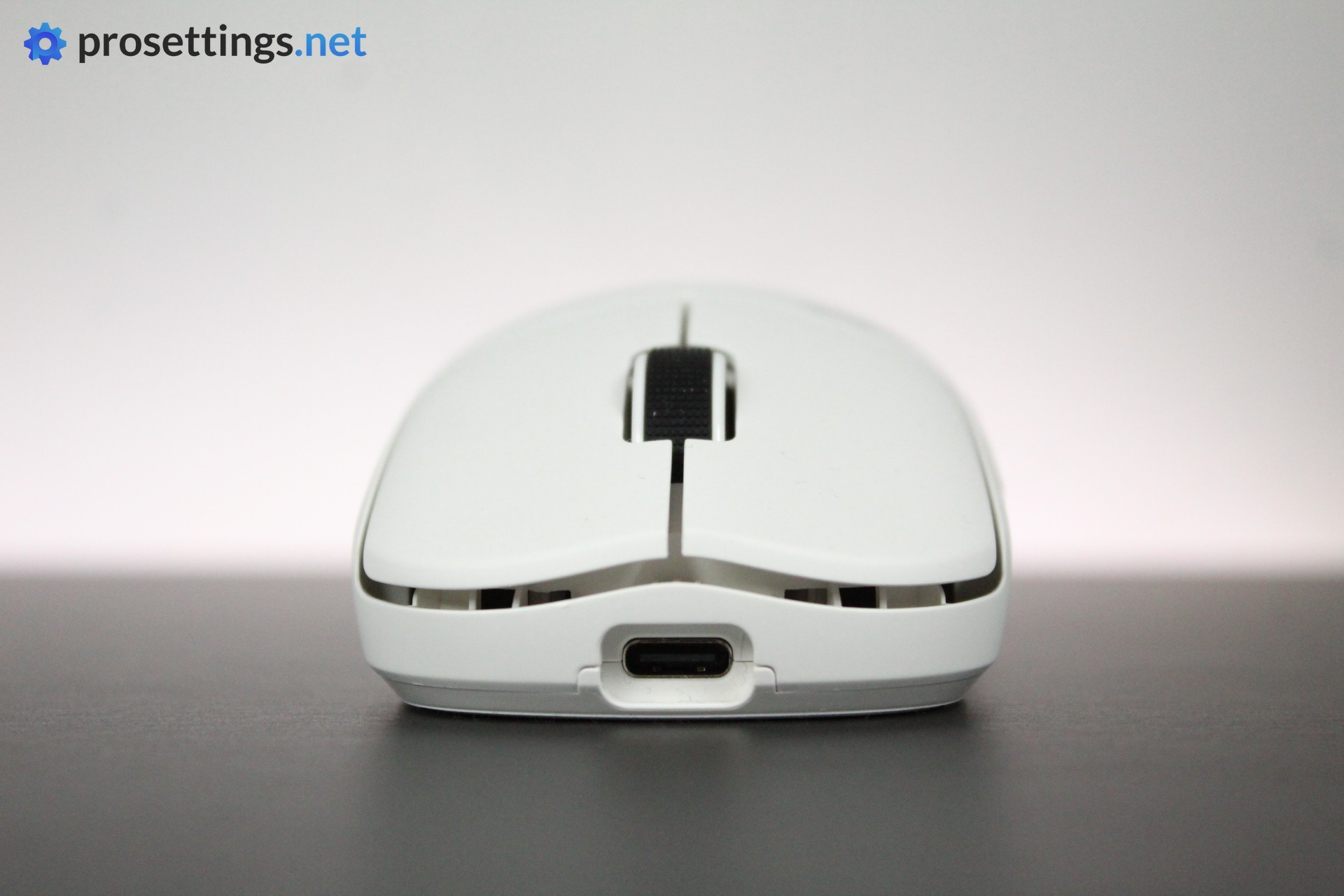
Like most Pulsar mice, the X2N is available in multiple sizes. I received and tested both for review, but I ended up using the Medium the most, so this review will mostly be about that one.
In terms of the mouse itself, there’s not a ton to note. You immediately notice how light it is, but aside from that, it looks like any regular gaming mouse if you get it in black or white. That’s not a bad thing, to be clear; I like a clean design. And, if you’re into more ‘out there’ colorways, Pulsar is also offering an ocean blue version at the time of writing.
Knowing Pulsar, you can also reasonably expect various special editions and versions to pop up over the course of its run, but of course I can’t guarantee that.
Shape, Coating, and Mouse Feet
Shape
I have 18×10.5cm hands and I use a claw grip.
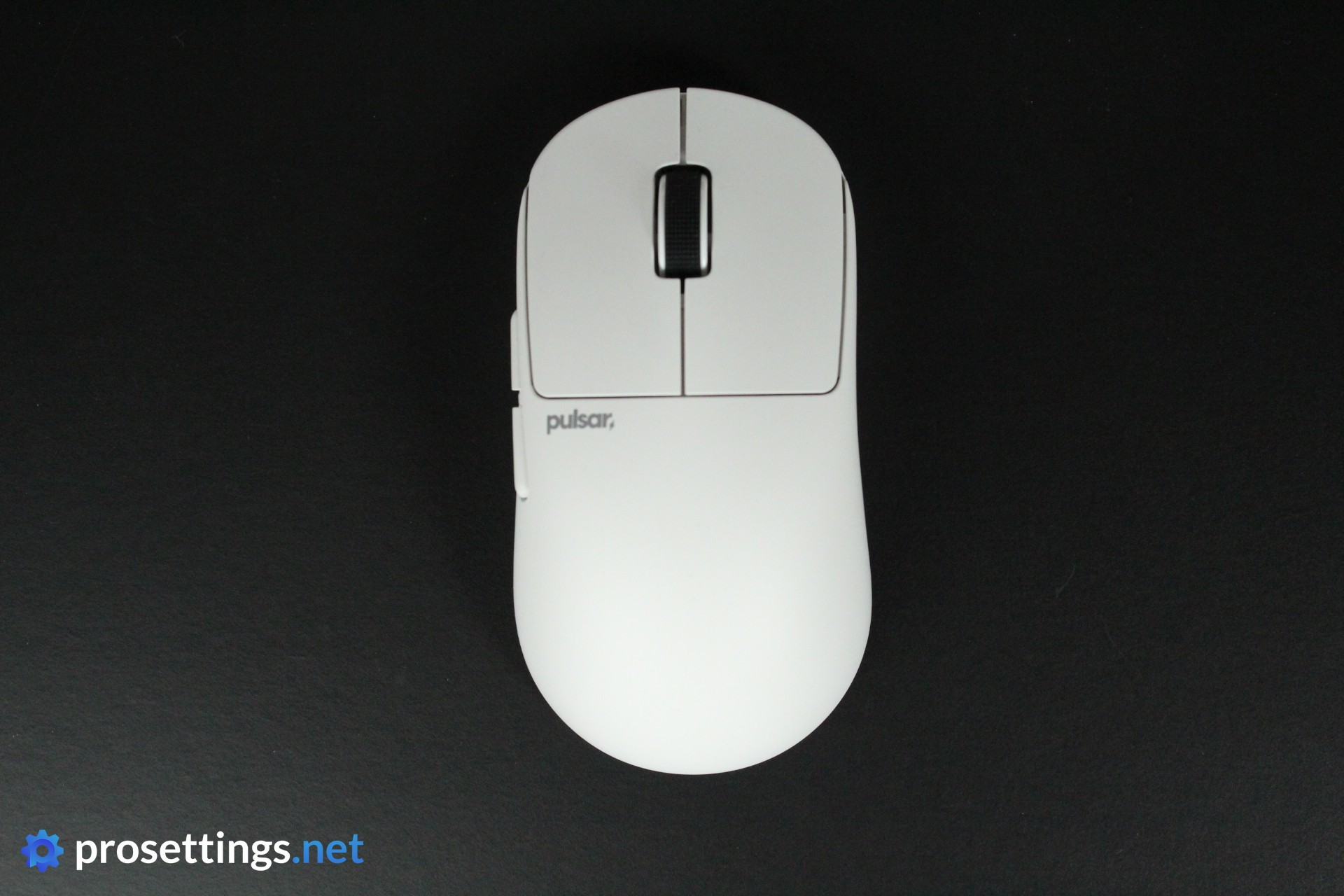
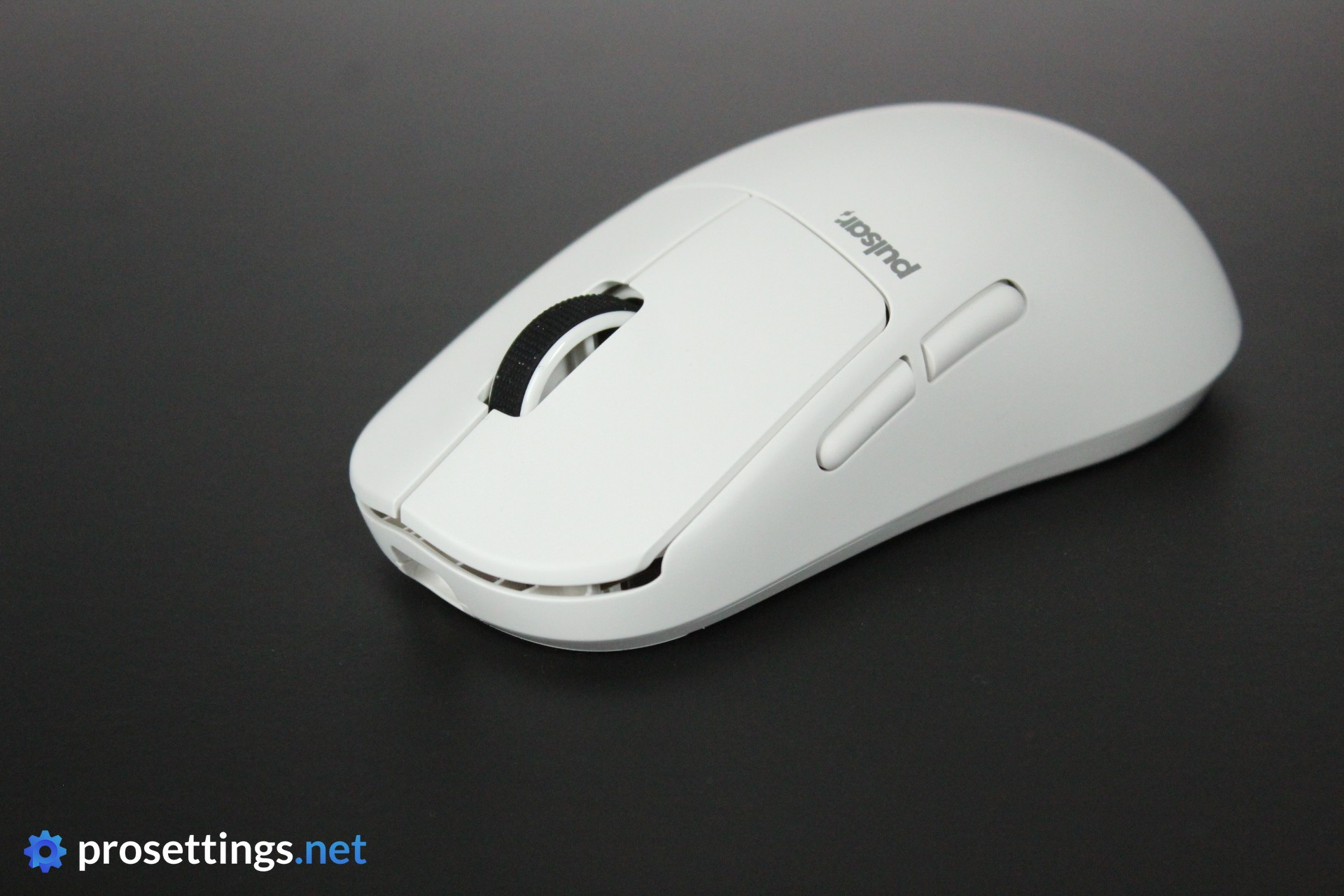
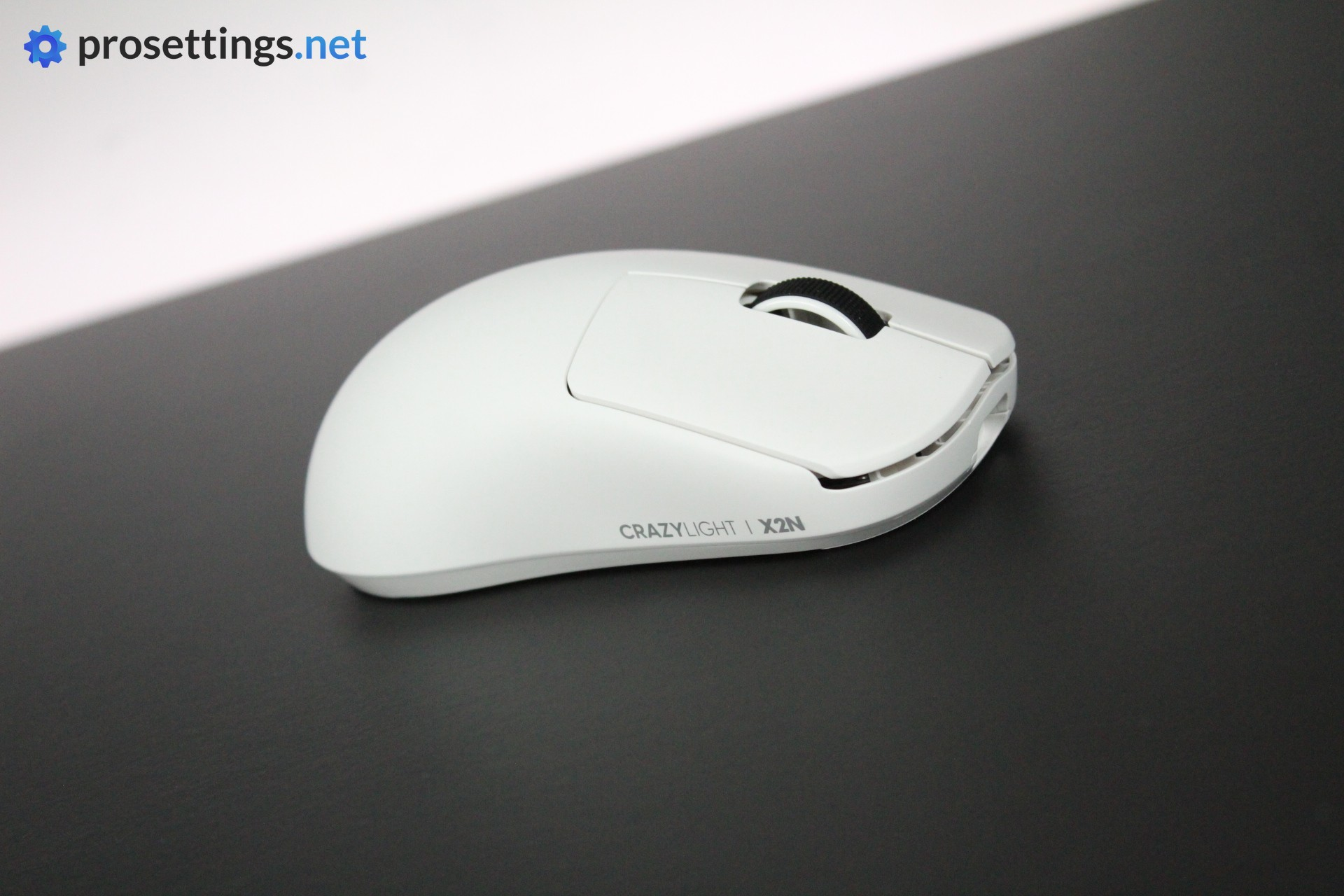
The shape is an interesting one. It’s described by Pulsar as having a ‘slim waist’ but I’m not sure if I fully agree with that. The grip portion (i.e. the middle section) doesn’t feel especially thin to me personally, at least not proportionally to the size of the mouse. If you hold the Mini version, the grip section will of course feel quite thin, but that’s because it’s quite simply a rather small mouse.
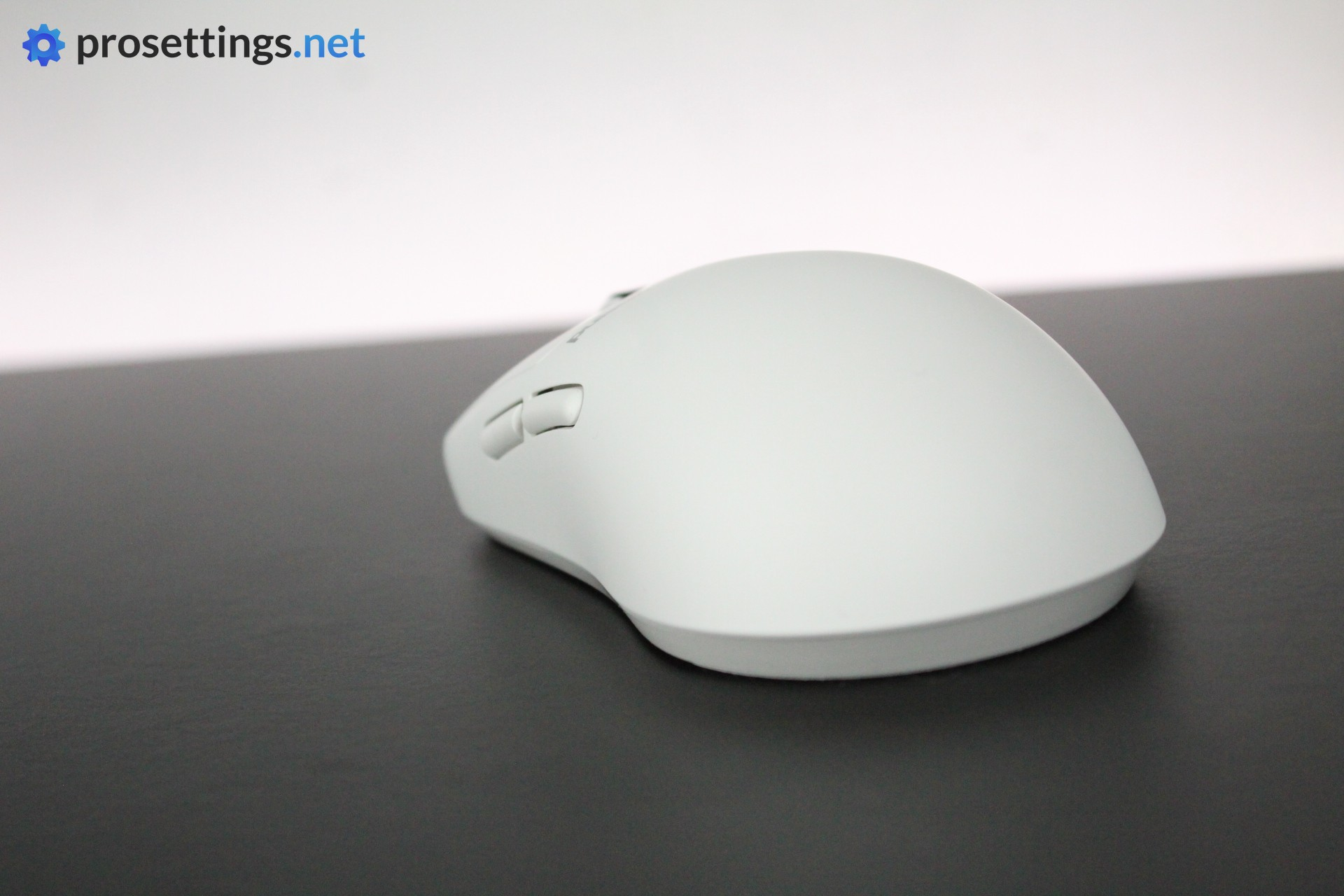
For me, the thing that defines this shape is the ratio between the middle and the back section. The back widens quite drastically, and with a center that narrows a bit (but not by a ton, as I mentioned) you are getting an extremely ‘locked in’ feeling. This feeling is intensified by the quite steep, rear-focused hump. It results in an interesting shape that, to me, feels very nice to play with. But again: it doesn’t necessarily feel like an extraordinarily thin mouse. It feels more like a wide-backed mouse.
The front section is quite regular. It widens somewhat and has a minor overhang, which helps with picking up the mouse. The buttons get quite low, which I like. It helps with achieving that ‘pen feeling’ when aiming.
To summarize: it’s definitely a cool shape with some interesting ideas behind it. It provides a tremendous amount of ‘lock-in’ and I love the feeling of extra precision that I get with low buttons. It’s quite a unique experience (the ZOWIE ZA line offers something similar, for reference) and I like this design quite a lot.
Coating
The coating on the Pulsar X2N Crazylight performs well. It remains grippy for me no matter if I have dry or moist hands. So in terms of performance, I have no remarks.
That said, I don’t really love the way it feels. There’s a smooth, chalky feeling to it, while I personally prefer more textured coatings. This is a subjective remark of course, but it can be good to know if you’re someone like me.
The coating is also quite difficult to keep clean. Fingerprints and oils tend to show up quite easily, resulting in a mouse that needs cleaning quite often.
Mouse Feet
I tested both included feet types, but I’m not a big fan of dot skates. Perhaps I just haven’t found the right ones for me just yet, but I don’t like the glide feeling that dots give.
With that said, the feet feel good to me. Stock mouse feet are usually somewhere around ‘medium’ in terms of glide speed, and that’s also true here. The stock skates are also very smooth right out of the box. I don’t think anyone will have a problem with these.
Recommended Grip Types
The Pulsar X2N was marketed as a shape for claw grip, and that is right on the money if you ask me. It’s a fantastic shape for claw grippers who like a very locked-in feeling. Palm grippers can also get away with using this shape. For fingertip grip, I’d say that the back portion is too wide in comparison to the rest of the mouse, which can make it feel awkward and inconsistent when fingertipping.
Of course, the above is just a suggestion. If you know what you like and this shape sounds good to you, then by all means go for it. Everyone has different preferences.
Buttons and Scroll Wheel
Buttons
Under both main buttons, the X2N Crazylight uses Pulsar’s very own optical switches. In terms of click feeling, these are great. They’re crispy and feel responsive, and in terms of how they feel when they actuate, they’re among the best opticals on the market right now.
The implementation is quite good as well. There’s a little too much post-travel on my units, but other than that, the main buttons are very nicely done, with no side movement or switch grinding while holding them down.
Scroll Wheel
The scroll wheel has a textured rubber strip running down the middle, which is something that I greatly prefer over Pulsar’s rubber-less silver alloy wheels that they use in their eS mice.
It’s not all rosy, though, as I find the steps to be lacking in tactility. It’s not always easy to tell when a step has been completed, leading to a scroll wheel that feels slightly unpredictable and loose. Due to this, I also had some instances where I accidentally scrolled while trying to click the wheel itself.
Speaking of: the wheel click also does not feel very tactile. It sometimes even feels a bit ‘sticky’ after pressing, making it very hard to click repeatedly.
Whether the aforementioned aspects are dealbreakers will depend on how often you use the wheel, but it’s definitely something that should be improved.
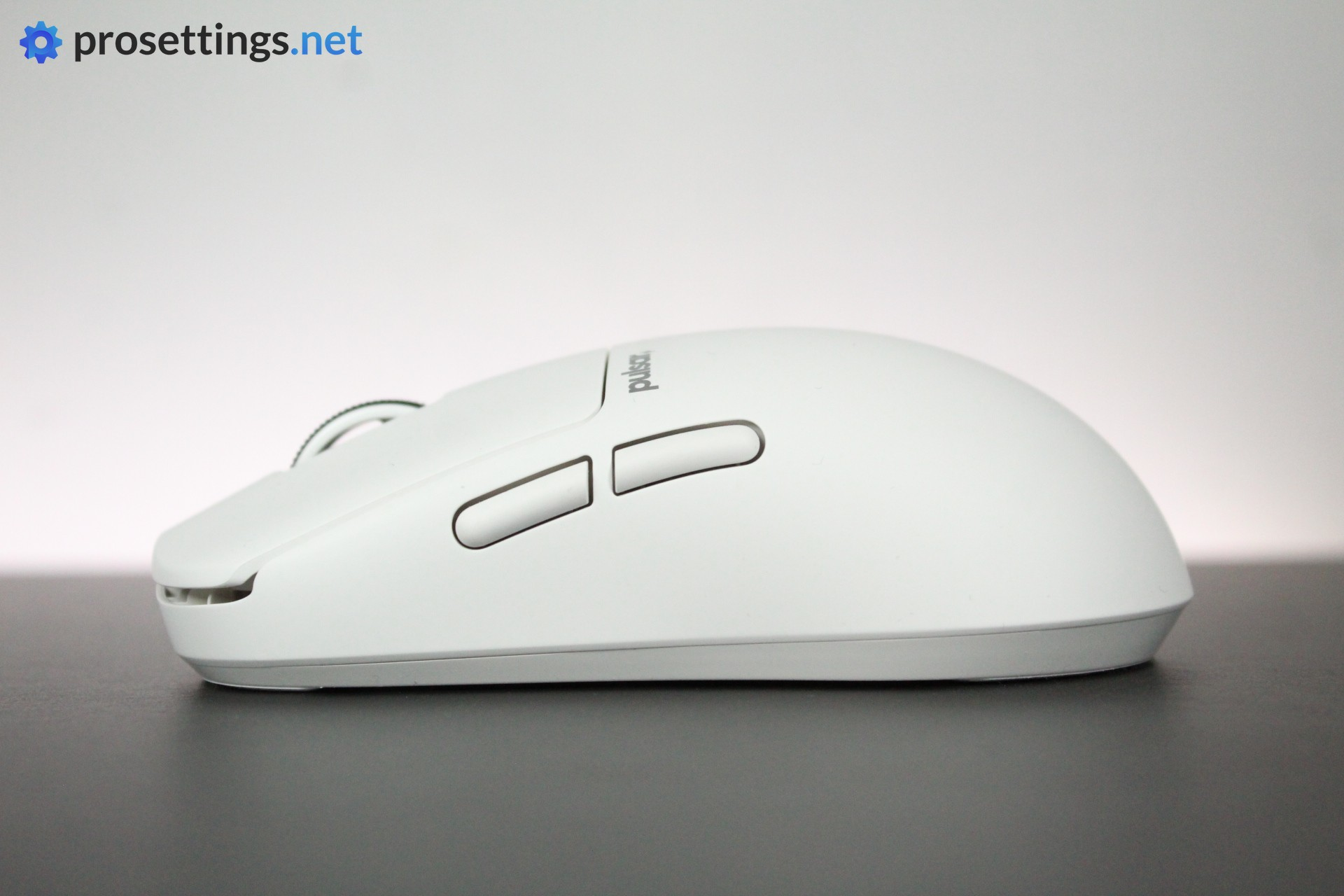
Side Buttons
Both side buttons actuate with a pleasingly tactile click. There’s little to no pre-travel, but mouse 4 does have a little bit too much post-travel.
All in all, I’d say these are solid in terms of feel and performance, but you should note that these buttons are quite thin and high up on the mouse. If you’re the type to ‘roll’ your thumb on your side button (like I am) then it might take some getting used to, as mouse 4 especially can be difficult to reach if you rest your thumb near the bottom of the mouse.
This is mostly a personal preference thing I’d say, but I would’ve liked the side buttons to be a bit thicker.
Build Quality and Weight
With a weight of just 45 grams (40g for the Mini), the X2N Crazylight lives up to its name. If you’ve never experienced super light mice before, you will absolutely need some time to get used to how airy a mouse like this feels.
Luckily, the build quality hasn’t really suffered to achieve this weight. If I squeeze the mouse really hard, I can hear the shell creaking a bit, but that’s not something I will hold against it, as I would never apply that amount of pressure in real-life scenarios.
Tapping and shaking the mouse reveals no noises, but it’s not all perfect. Something that I did notice is that mouse 4 can sometimes sound a little bit ‘rattly’ when releasing it. It doesn’t happen all the time, but it’s quite noticeable when it does.
I tested mouse 4 extensively to see if this impacts performance at all, and it doesn’t, so for me it’s not a huge deal, but it can get annoying if you’re not using a headset or headphones.
Sensor and Everyday Performance
Sensor
Pulsar’s XS-1 sensor is, just like pretty much all sensors made by reputable brands this decade, flawless. Gaming sensors haven’t really been something to worry about for years now, as any gains that are made in terms of maximum tracking speed or DPI are pretty much theoretical only.
With that said, it’s still important to implement a sensor properly, and Pulsar seems to have done just that here. I saw no evidence of significant sensor malfunction during my testing, and I did not notice any hiccups while using the mouse for day-to-day gaming and work.
There were some minor polling rate instabilities at higher values (4000 and 8000Hz) but these did not translate to in-game inaccuracies or issues.
Configuring the Mouse
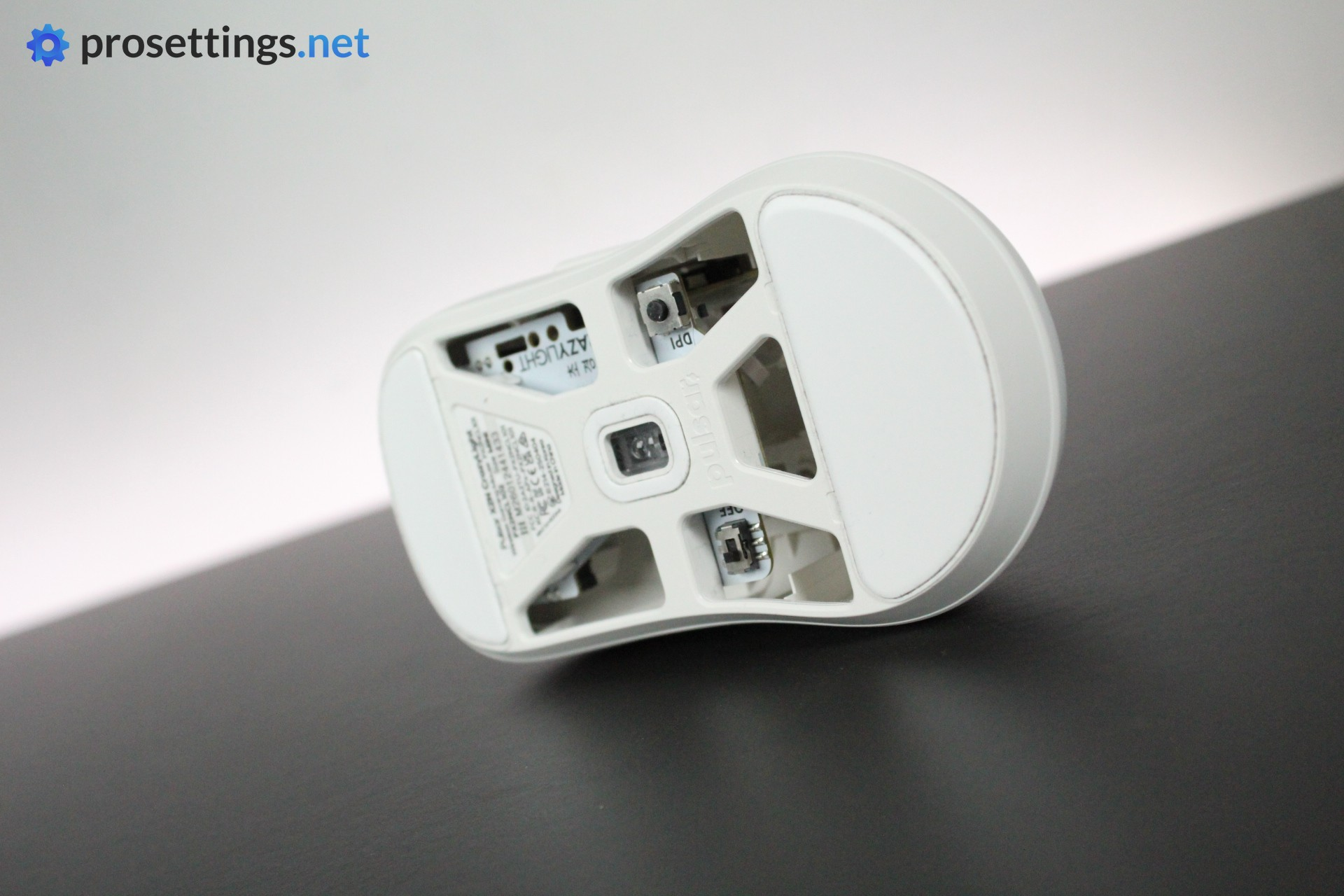
You can configure the Pulsar X2N Crazylight using Pulsar’s web-based Bibimbap program. There, you can create macros, rebind buttons, tweak the DPI, change the polling rate, and so on. There is one physical DPI button on the bottom of the mouse, but anything else needs to be done with the driver program.
I personally love web-based drivers. I’m not a fan of having to download or open big programs every time you want to change a setting, so the convenience of just having to open a web page is absolutely amazing to me. Bibimbap is also one of the most well-made web drivers out there right now. It’s very clean, easy to use, and responsive.
One note: I did have a problem when I updated the firmware. When I first started using the mouse, it prompted me to update, which I did. Unfortunately, the update process seemed to have bricked my dongle, as I could not get the mouse to respond no matter what I did. I contacted Pulsar about this and they confirmed that this would absolutely be covered under warranty, but it might be a good idea to stay away from firmware updates if you have a big match coming up or something like that.
I had two mice, and thus two dongles, so I paired the mouse to the other dongle to solve my particular issue. This was a very fast and painless procedure, but I know not everyone will have that option.
Battery Life
Larger-capacity batteries are, generally speaking, heavier than lower-capacity ones. As such, mice like the Crazylight can’t really afford to stuff huge batteries in them, as the weight (or cost) would go up quite significantly.
And indeed, the battery life isn’t amazing. You can expect around 60 hours at 1000Hz, and a mere 12-ish hours at 8000Hz. It’s a tradeoff that you have to live with if you’re going for super light mice: you can’t expect the battery life to sit at 100+ hours at this point in time. Of course, 12 hours of continuous in-game motion is quite enough for most people, but you will be charging the mouse quite often if you play at 8000Hz. Something to keep in mind.
Alternatives
Considering the fact that the Pulsar X2N Crazylight uses an original shape, there aren’t any 1:1 competitors. With that said, there are some mice that can offer a similar experience. I’ll go over some of those.
Comparisons here are made against the X2N Medium, not the Mini.
Pulsar X2N Crazylight vs ZOWIE ZA13-DW
Both mice follow a similar design idea: wide back, narrow(er) waist, and a pretty high hump. The ZA’s hump is more central though, and the back section isn’t as wide as the X2N’s. This results in the ZA feeling thinner (despite not being that much thinner on paper) and less locked-in. Additionally, the ZA13-DW is a lot heavier (65 grams) which also has an effect on how the mouse feels in practice.
In terms of tech, the X2N is the winner. The ZOWIE only goes up to 4000Hz and has mechanical switches, whereas the X2N has opticals. These things don’t necessarily translate to performance differences in-game, but it can be good to know.
See our ZOWIE ZA-13-DW review
Pulsar X2N Crazylight vs Pulsar TenZ Signature Edition
The Pulsar TenZ edition follows a very similar design story, but the Tenz has a higher hump and is a shorter mouse in general. The front portion on the TenZ is also lower, leading to a mouse that feels more compact and more maneuverable than the X2N.
In terms of technology, both mice are made by Pulsar and are recent mice, so they’re almost completely the same under the hood.
Pulsar X2N Crazylight vs EndGame Gear OP1
A lot of people in the mouse community seemed to think that the X2N was going to be Pulsar’s version of the widely lauded OP1, but they’re very different mice in-hand. The OP1 is smaller on all fronts and, most importantly, a lot flatter. The hump is also far more gradual on the OP1 than on the X2N, so the OP1 feels completely different in the end. Even the much smaller X2N Mini doesn’t really compare, even though it has similar dimensions. That hump does a lot of work in how a mouse feels.
In terms of tech, both mice are going to be top performers, but the OP1W 4k (the latest EGG mouse I reviewed) comes with mechanical switches instead of optical ones.
See our Endgame Gear OP1w 4K review
Conclusion
The Pulsar X2N Crazylight is not a revolutionary mouse in terms of specs or overall finishing, but it does offer an interesting new shape. Pulsar’s take on the ‘locked-in claw grip mouse’ is a really good one if you ask me, and if you’ve been looking for a palm-filling mouse that feels anchored to your hand once you’ve grabbed it fully, this is a very good one to consider.
There are some minor flaws here and there, like the coating not being great at handling oils and fingerprints. And there’s also a bigger flaw with the scroll wheel not feeling up to par. But if you can look past that, this is another very solid release by Pulsar.
As a sidenote, I really like how this brand is trying to come up with new and exciting things rather than settling for being yet another clone-based mouse brand. Sure, some new ideas might not always land, but that’s part of the journey, if you ask me.
Summarizing: the Pulsar X2N Crazylight isn’t perfect, but the shape is extremely interesting, so it’s a good foundation to build on.
This product was received for free from the manufacturer and given to our reviewer to test and review. Brands and manufacturers have no editorial control over our reviews. For more information, check out our review FAQ.
Former semi-pro gamer turned writer, product reviewer, and community manager.

