Introduction
Most people seem to think that a quality keyboard isn’t exactly necessary for gaming, but we see that well over 95% of our analyzed professionals are using either a mechanical keyboard or an analog keyboard.
These boards offer a wide number of advantages over a regular membrane keyboard (click here to see our overall keyboard guide where we go deeper on this) but one of the biggest advantages of going for an upgraded board if you’re asking us is the fact that you can get one that completely suits your individual needs and preferences. With so many options out there, it’s kind of hard to make sense of it all if you’re completely new to this kind of thing, and that’s where we come in to help.
We’ve been taking a look at what the Rainbow Six Siege professionals are using and we’ve distilled all of that data in this article. We’ll show you the most used boards in the professional scene and give you a brief rundown of their features and what makes them special.
Related: Gaming Keyboard Spec List
Our Guide
The Pro Usage Top 5 gets updated continuously and instantly so that you can always get an accurate overview of what the pros are using at any given time. In the body of the article itself, we go over the five most popular pro products in no particular order and, when relevant, we also give you some extra options in the form of products that fall just outside of the top 5 or are otherwise relevant.
What makes a keyboard good for Rainbow Six Siege X?
Rainbow Six Siege isn’t a game that has a ton of extra abilities and items that you need to keep track of, so a basic and reliable keyboard seems to be the name of the game here. Siege professionals are also following the trend that’s been going on in the wider professional gaming scene in the sense that they are moving towards smaller form factors. This makes sense: seeing as you don’t need a numpad to play Siege, you’re better off utilizing the space that said numpad would’ve taken up on your desk for more important things such as your mouse.
We often get asked whether or not analog switches are an advantage over regular mechanical ones, and the answer is ‘yes’. In games like Siege, they quite simply offer a more responsive feeling, and features like Rapid Trigger can absolutely improve your peeks and overall movement. So if you’re considering a new keyboard for gaming or Rainbow Six Siege X in particular, we recommend looking at analog boards first. Mechanical boards are also still popular though, so it’s not like those are out of the question.
As a final note, we’ll say that you don’t have to go for a gaming keyboard. It’s definitely possible to build your own keyboard for that full customized experience, but do make sure that you’re using a board that has a fast enough connection. A Bluetooth keyboard, for example, simply isn’t fast and responsive enough for competitive gaming and will hamper your performance.
Wooting 60 HE
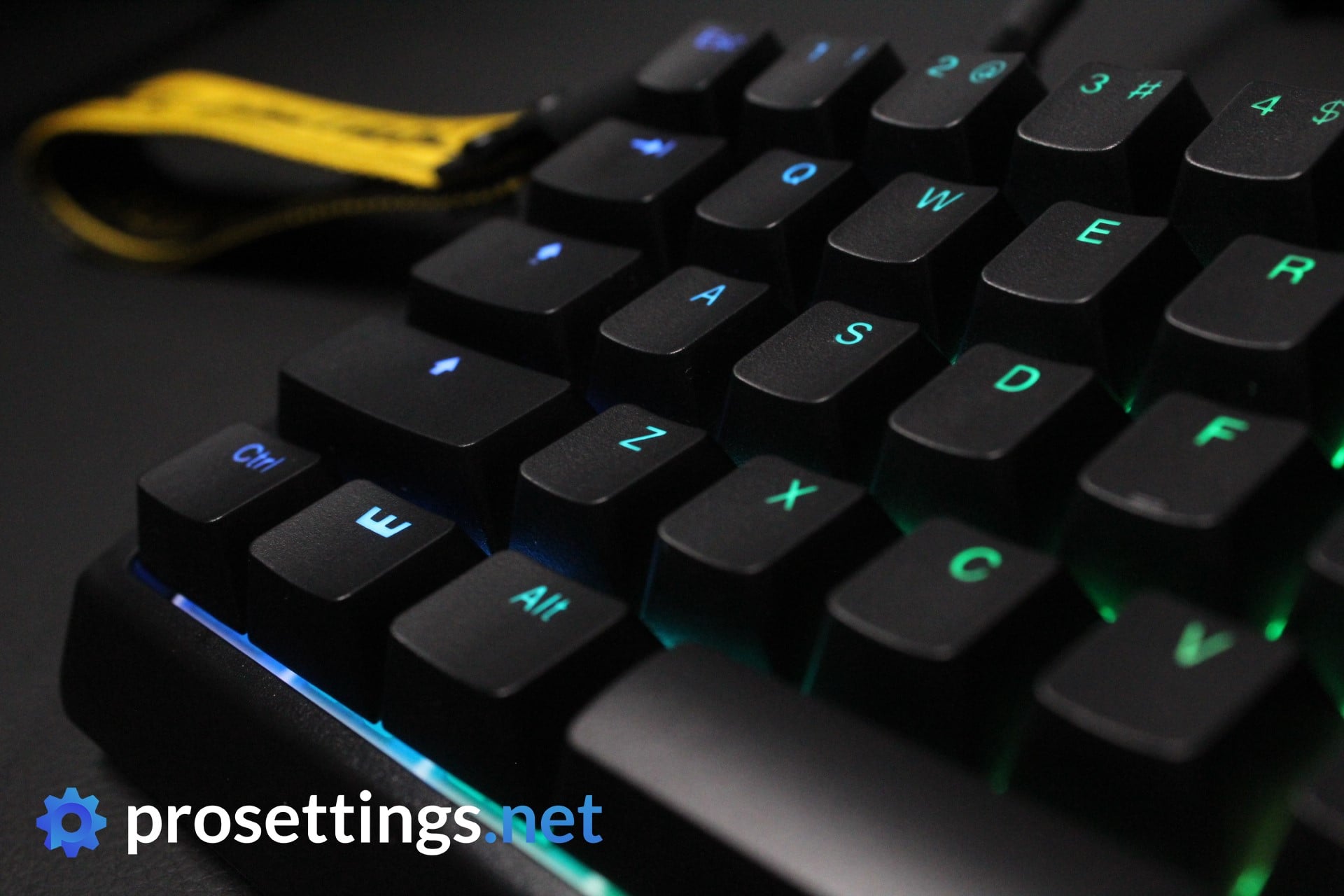
The Wooting 60HE has garnered a lot of attention since its release. Looking at the performance of this keyboard, it is understandable why. Wooting is a Dutch brand that came out of the blue, but they have managed to revolutionize the gaming keyboard industry.
The main feature of the keyboard is its Lekker switches. The reason these switches have gotten a lot of attention is that they are customizable. They have adjustable actuation points ranging from 0.1 to 4.00mm. The other key feature of these switches is the rapid trigger mode. This makes the key reset on the slightest lift of the finger, ensuring that you can spam the key faster and more accurately than on other keyboards.
The other reason for the immense popularity of the Wooting keyboards is that they’re enthusiast-friendly. Essentially, you can easily mod this keyboard. From changing the case to swapping out the entire PCB; the Wooting can be easily customized to your liking, making it one of the best entry-level keyboards for new keyboard enthusiasts.
The modularity and the performance of the Wooting 60HE are why it’s become so popular. It’s the standard gaming keyboard on the market right now for a reason; it’s just that good. There’s also the Wooting 60HE v2, but the performance differences between the two are minimal, so you’re absolutely still golden with the normal 60HE.
Wooting 60HE+
Used by 16 Rainbow Six Siege players ()Alem4o

Paluh

Benjamaster

oozie

Staff's Choice
Pro's Choice
The Wooting 60HE is a keyboard that started a massive revolution in the world of mechanical gaming keyboards and has since become absolutely iconic. If you ask me, it completely deserves this status. This is the best gaming keyboard out there right now.
Pros
- Very precise and responsive customizable switches
- Best-in-class gaming performance
- Customization can be done in browser and is incredibly easy to use
- Made to be modded, so easy to customize to your liking
Cons
- Typing sound out of the box isn’t the best, but this is a nitpicky complaint
Specs
| Form Factor | 60% |
|---|
| Switches | Lekker Linear 45 v2, Lekker Linear 60 v2, Lekker Tikken Light, Lekker Tikken Medium, Wooting x TTC KOM, Geon Raw HE |
|---|
| PCB | Hotswappable |
|---|
| RGB | Yes |
|---|
| Height | 3.8 |
|---|
| Width | 30.2 |
|---|
| Length | 11.6 |
|---|
| Weight | 605 |
|---|
Razer Huntsman V3 Pro TKL / Mini
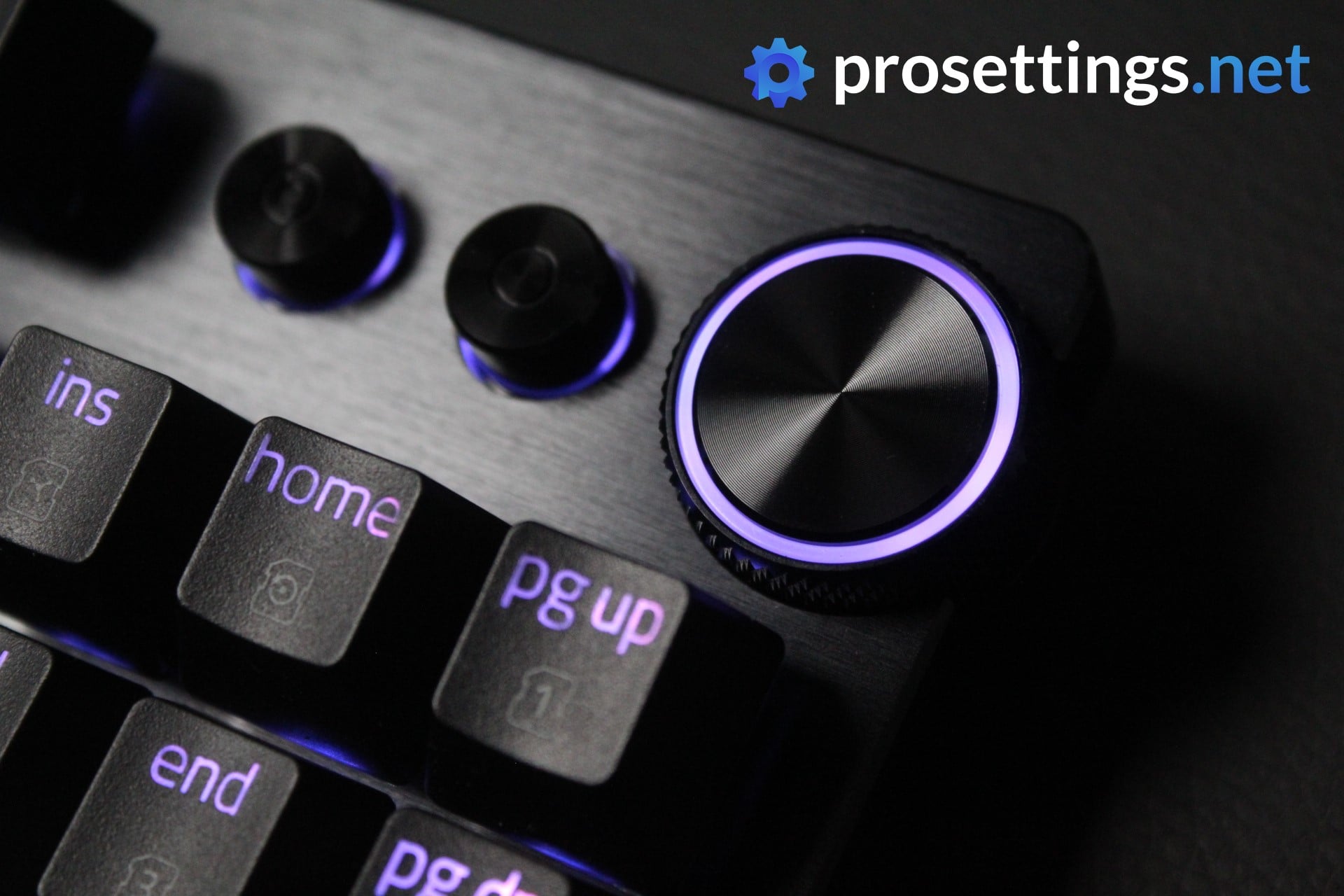
As a premium esports-focused keyboard, the Huntsman V3 Pro TKL houses several performance-oriented features. For starters, it uses optical switches, which offer greater responsiveness compared to traditional mechanical switches. The actuation point of these switches can be adjusted between 0.1 and 4.0 mm, providing more customization than standard mechanical keyboards.
The most noteworthy feature of analog switches is the fact that they can be used for a variety of gameplay-improving technologies. Rapid Trigger, for example, resets a switch immediately upon release. This can be particularly advantageous in competitive shooters like Rainbow Six Siege, where quick reflexes and precise movements are crucial.
The keyboard also features durable double-shot PBT keycaps, a wrist rest, and a multifunctional wheel at the top.
This is the board to get if you want a TKL keyboard that’s laser-focused on performance. There’s also a full-sized version and a 60% version (which doesn’t have the media keys of the larger versions) that’s pretty popular with the pros.
Razer Huntsman V3 Pro TKL
Used by 17 Rainbow Six Siege players ()Staff's Choice
Pro's Choice
Razer Huntsman V3 Pro TKL is a best-in-class gaming keyboard. It’s also a very mediocre typing keyboard due to its loudness and subpar typing sound. I feel like those two sentences are the most important things to know for people who are considering purchasing this board.
Pros
- Comes with a wrist rest
- Good gaming performance
- Customizable switches + Rapid Trigger
- Comes with a multifuctional dial
Cons
- Expensive
- Typing sound is loud and not pleasing
- Wrist rest is of lower quality than on older Razer keyboards
Specs
| Form Factor | TKL |
|---|
| Switches | Razer Analog Optical |
|---|
| PCB | Non-Hotswappable |
|---|
| RGB | Yes |
|---|
| Height | 3.9 |
|---|
| Width | 36.4 |
|---|
| Length | 14.0 |
|---|
| Weight | 720 |
|---|
Logitech G Pro X Keyboard
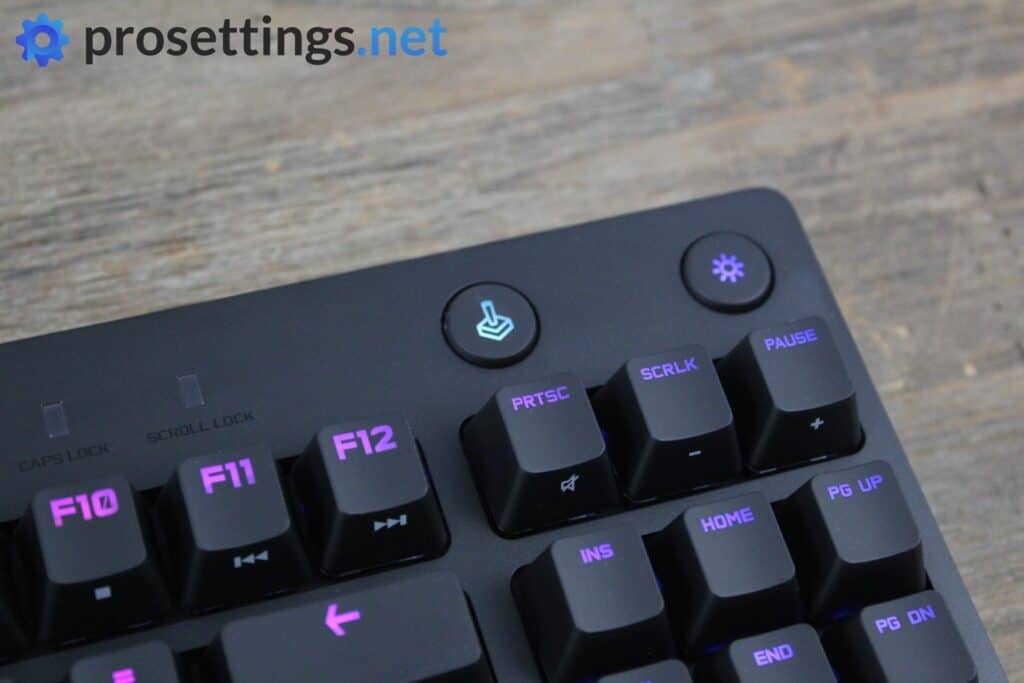
The Logitech G Pro line of products has always been well liked by professional players, and the first iteration of the Pro keyboard was a mainstay in this list basically since its inception. The Pro X is the successor to that keyboard and it comes with one major upgrade: it has hotswappable switches.
This means that, if you’re tired of the way your keyboard feels you can just buy a new switch pack and swap out your current switches instead of having to buy an entirely new board. The G Pro X has new switches too: gone are the Romer-G switches and in are Logitech’s very own GX switches.
Aside from the switch aspect, this X edition builds on what made the first version so loved: it’s a no-nonsense TKL keyboard with a detachable cable, a decently sturdy design, and no extra bells and whistles.
It’s very much an older keyboard at this point in time, though. It has no analog switch capabilities, for example. That’s something to keep in mind.
Logitech G Pro X Keyboard
Used by 8 Rainbow Six Siege players ()What you’re getting is a solidly built gaming keyboard without any unnecessary frills that’ll last you a pretty long time and delivers everything you’d want out of a competitive gaming keyboard. Nothing more, but certainly nothing less either.
Pros
- Hot-swappable PCB means changing switches is very easy
- Sturdy build quality
Cons
- Keycaps don’t feel very premium
- Non-standard bottom row means that switching out keycaps can be a hassle
Specs
| Form Factor | TKL |
|---|
| Switches | GX Blue Clicky, GX Brown Tactile, GX Red Linear |
|---|
| PCB | Hotswappable |
|---|
| RGB | Yes |
|---|
| Height | 3.5 |
|---|
| Width | 36 |
|---|
| Length | 15.5 |
|---|
| Weight | 980 |
|---|
Logitech G Pro X TKL Rapid
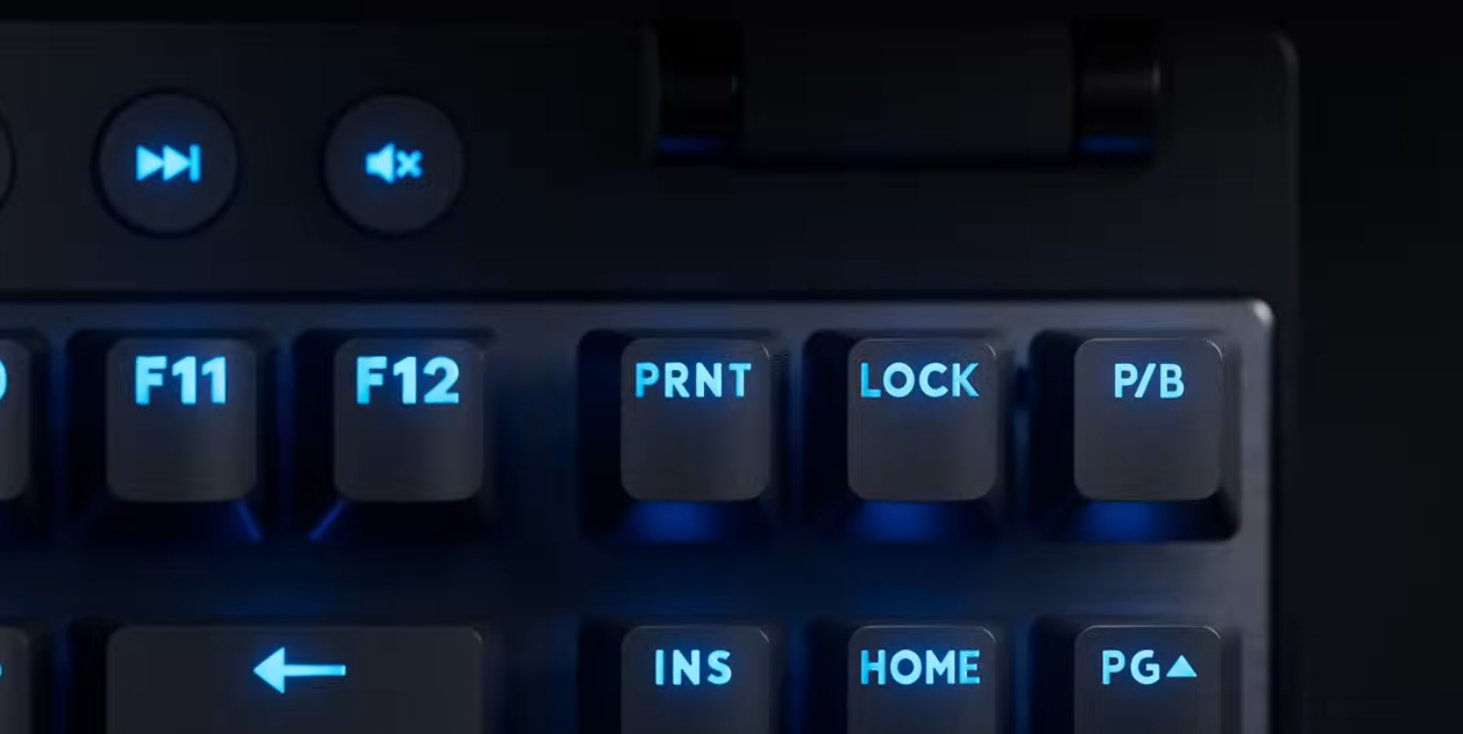
The Logitech Pro X TKL Rapid is more or less a variant of the original Pro X TKL, but with Magnetic Analog Switches. Ever since the release of Wooting 60HE, magnetic switches have become popular in the gaming space. The major features are Rapid Trigger and adjustable actuation points.
Apart from that, the keyboard is as standard as it gets. This is basically your standard Logitech gaming keyboard, with modern technology on the inside. If that’s what you’re looking for, then this is a perfect option.
Logitech G Pro X TKL RAPID
Used by 7 Rainbow Six Siege players ()Specs
| Form Factor | TKL |
|---|
| Switches | Unspecified Optical Switches |
|---|
| PCB | Non-Hotswappable |
|---|
| RGB | Yes |
|---|
| Height | 3.8 |
|---|
| Width | 35.7 |
|---|
| Length | 15.0 |
|---|
| Weight | 950 |
|---|
The Best Keyboard for Rainbow Six Siege X – Conclusion
As is the case with all of our keyboard guides there is but one clear takeaway here: you’ll want a mechanical keyboard. What type of board, or what size it comes in completely depends on you and your preferences though. The same goes for the switches.
That sounds a bit unhelpful, but the great thing about keyboards is that there’s so many ways to get one that suits you exactly so it’s no surprise to see so many different iterations and setups floating around out there. Regardless, we do hope that this summary has helped you decide on your next keyboard. If you have any questions or remarks then please do not hesitate to reach out to us through Twitter or Discord, or just comment on the relevant pages. We try to respond to everything.

