Introduction
If you’ve spent any time around the competitive Counter-Strike community, you’ve probably heard players talk about FACEIT. While CS2 has its own competitive matchmaking, many serious players choose FACEIT when they want a more competitive environment and a separate rating system to climb.
Here’s everything you need to know about playing CS2 on FACEIT, including how to set up your account, how FACEIT matchmaking works, what Elo and levels mean, and why players choose FACEIT over Premier.
What is FACEIT?
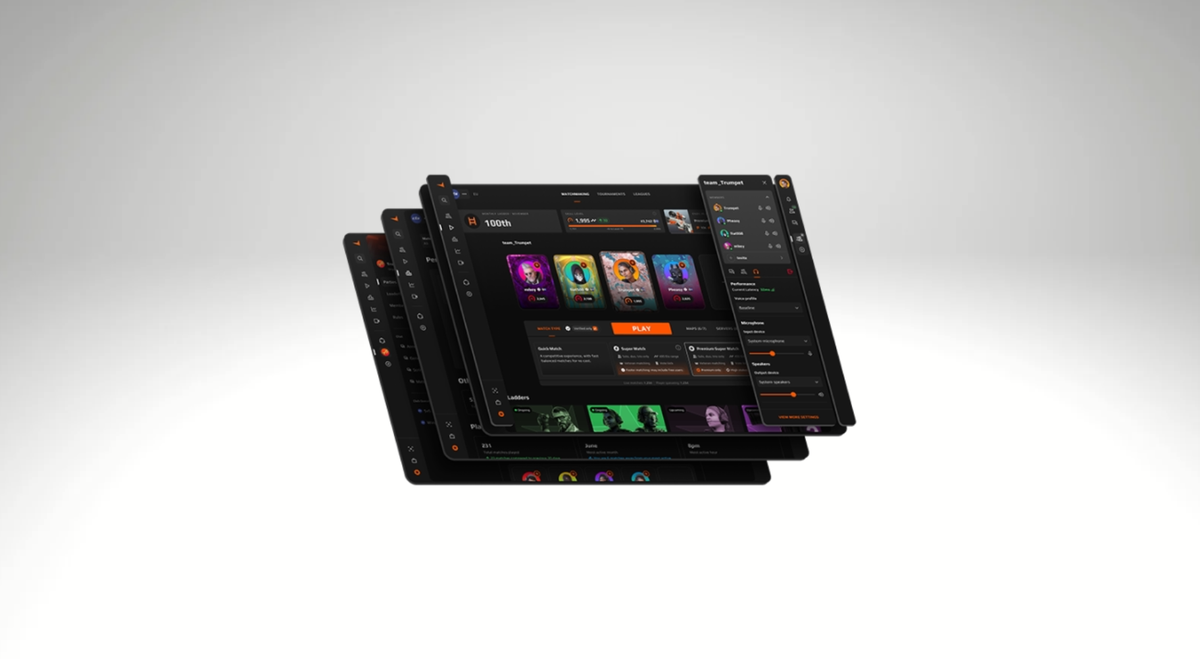
FACEIT is essentially a third-party platform with its own matchmaking system and anticheat. FACEIT arranges matches between FACEIT members on the company’s own servers within Valve’s CS2 game. So in essence, FACEIT is much the same as Valve’s Premier mode, only it is managed and moderated by third-party organisers.
Given how FACEIT runs on community servers within CS2, there is absolutely no risk associated with playing FACEIT. In essence, it’s no different from joining a random community deathmatch server. It’s a completely legal way to play CS2.
Why Do Players Play FACEIT Instead of CS2 Premier?
One of the main reasons people play FACEIT is the competitive environment. Players on FACEIT tend to be more serious about the game than the average Joe in CS2’s matchmaking. They will communicate more, set up plays, and trade you if needed. For players looking to get into serious competitive CS2, FACEIT is usually the gateway.
But the main reason players prefer FACEIT is for its better servers and stronger Anti-Cheat. When CS:GO was facing cheating problems back in the day, FACEIT became the go-to spot for serious players, and it’s been like that ever since. FACEIT servers are also slightly better and more responsive than CS2’s native servers. And, with CS2’s cheating problem still not fixed at the time of writing, FACEIT remains a popular alternative for serious players.
How to Set Up FACEIT for CS2
Before you can start playing on FACEIT, you’ll need a few things:
- A FACEIT account
- A Steam account with CS2
- Prime status in CS2
- FACEIT Anti-Cheat for protected matches
FACEIT currently requires Prime status to connect CS2 to a FACEIT account. If you’ve already connected a Steam account to FACEIT, your CS2 installation must be associated with that same Steam account.
Players with a low number of Counter-Strike hours may also be asked to complete identity verification before they can play. This is part of FACEIT’s efforts to prevent abuse of new accounts.
Once you have everything you need, connecting CS2 to FACEIT is straightforward.
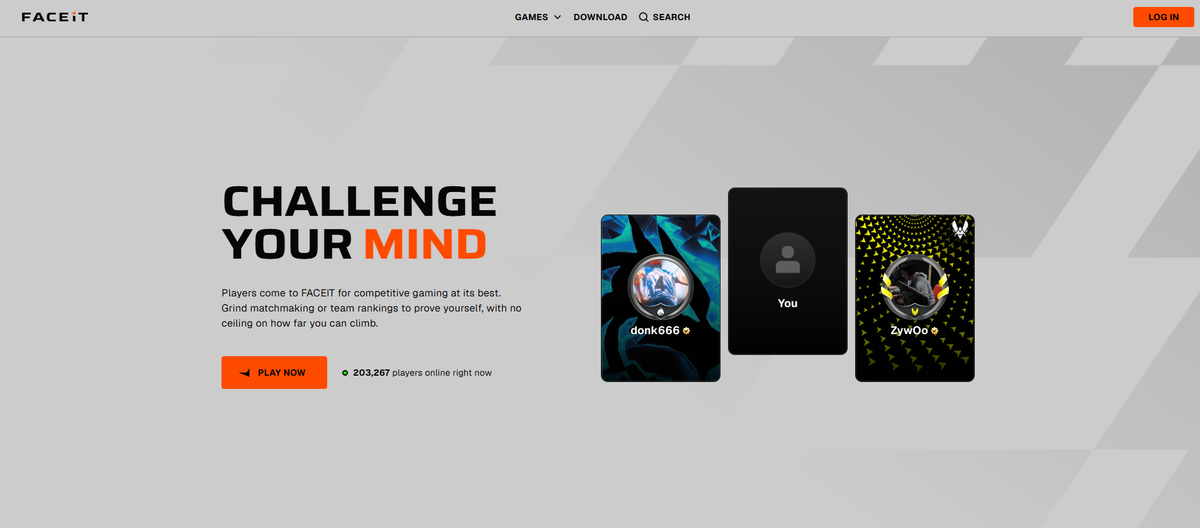
First, create a FACEIT account or log into your existing one. From your game settings, select the option to add a game and choose CS2.
You’ll then be asked to connect your Steam account. Make sure you select the Steam account that actually owns and plays CS2. Once Steam is connected, choose the appropriate region and finish the registration process.
If FACEIT doesn’t recognize your CS2 account, check that your Steam profile and game details are public. FACEIT also recommends playing a Premier match if you already have Prime, but the platform isn’t recognizing your status.
After CS2 has been registered, you can access FACEIT’s matchmaking page and start looking for a match.
How Does FACEIT Anti-Cheat Work?
FACEIT Anti-Cheat is one of the most important differences between playing on FACEIT and using standard CS2 matchmaking.
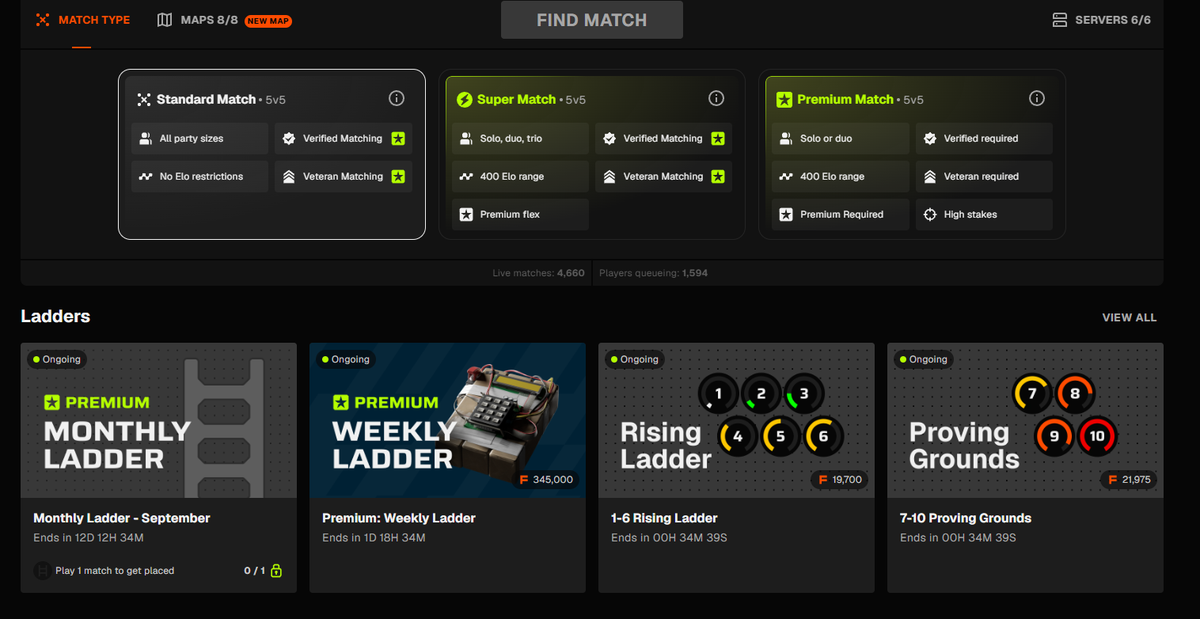
To put it simply, VAC (Valve Anti-Cheat ) operates mostly in user mode with server-side AI tools to catch cheaters. On the other hand, FACEIT operates at the kernel level much like Vanguard (Riot Games’s anti-cheat).
Because it operates at a deeper level than VAC, it’s much more effective at catching cheaters. It’s also mandatory for every FACEIT player to have their Anti-Cheat active when playing. You simply cannot simply queue for a protected Counter-Strike match without it.
FACEIT has also introduced stricter hardware-level security requirements. TPM 2.0 and Secure Boot are required for players using the Anti-Cheat, while additional requirements such as IOMMU and VBS can apply depending on the system and player.
If you get an Anti-Cheat error before your first match, don’t immediately assume the software is broken. Check your Windows security settings and BIOS configuration first.
You can check your BIOS mode by searching msinfo32 in Windows and looking at the BIOS Mode entry. FACEIT also provides instructions for checking TPM 2.0 and Secure Boot.
It is also worth remembering that FACEIT Anti-Cheat does not make cheating impossible. No anti-cheat system can guarantee that. Its purpose is to make cheating more difficult to perform and detect players who attempt to gain an unfair advantage.
How Does FACEIT Matchmaking Work?
Once your account is ready and Anti-Cheat is running, playing a match is fairly simple.
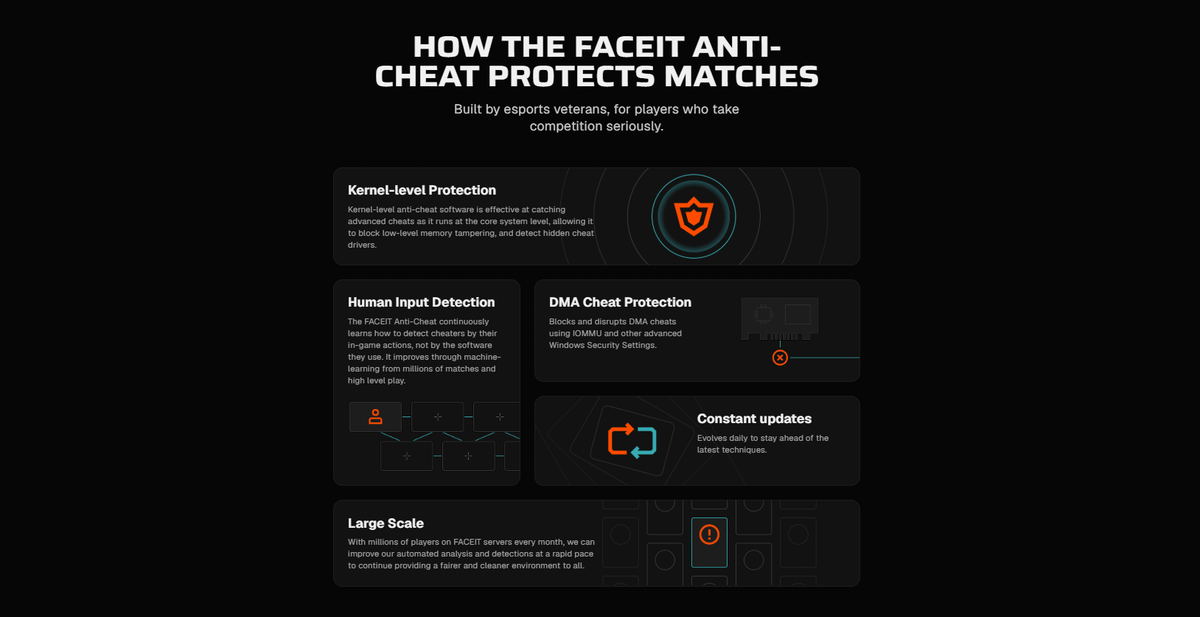
Open FACEIT’s matchmaking page, select CS2, choose your preferred match type, and start searching. Once a match is found, accept it and follow FACEIT’s instructions to connect to the server. Important to note is that you have to connect to the server yourself; it won’t automatically boot like it would when you’re playing Premier Mode. This is because FACEIT uses community servers.
The default option is Standard Match, which is available to both free players and subscribers. Standard Match doesn’t have the same restrictions on party size and party Elo as the more restrictive matchmaking options.
Super Match is designed to provide a more controlled matchmaking experience. It restricts party sizes and the Elo difference between players in a premade party, while eligible players can also use Verified (you can verify yourself on the app easily) and Veteran matchmaking options.
Premium Match has even stricter requirements. It is currently restricted to subscribers who are both Verified and Veteran, and it is available in the EU and NA regions. The queue is designed around more experienced players and can also involve higher Elo stakes.
For most new players, Standard Match is the place to start.
FACEIT Elo and Levels Explained
FACEIT uses Elo instead of CS2’s Premier Rating.
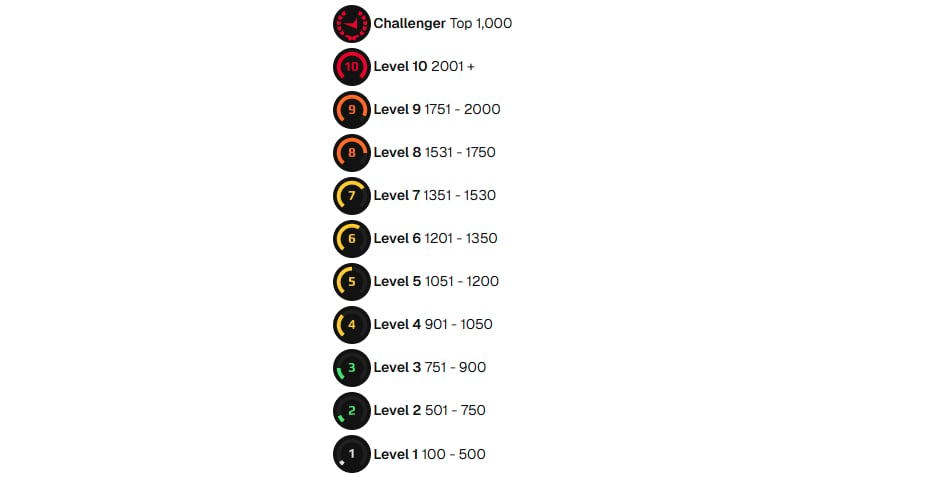
Your Elo determines your FACEIT skill level, with higher Elo corresponding to higher levels. FACEIT currently has 10 skill levels, while Challenger is reserved for the top 1,000 players at Level 10.
Here are the current CS2 Elo ranges:
| FACEIT Level | Elo |
| Level 1 | 100–500 |
| Level 2 | 501–750 |
| Level 3 | 751–900 |
| Level 4 | 901–1050 |
| Level 5 | 1051–1200 |
| Level 6 | 1201–1350 |
| Level 7 | 1351–1530 |
| Level 8 | 1531–1750 |
| Level 9 | 1751–2000 |
| Level 10 | 2001+ |
| Challenger | Top 1,000 |
FACEIT Elo normally changes based on whether your team wins or loses, with the amount gained or lost influenced by the matchmaking system’s assessment of the teams.
FACEIT can translate a player’s CS2 Premier Rating into an initial FACEIT Elo if they meet the required conditions, including having Prime status and enough Premier wins. Players who don’t meet those requirements start at 1000 Elo.
FACEIT also now uses seasonal placement systems. In Season 9, which began in August 2026, players had to go through 10 placement matches after a lighter seasonal Elo reset. The reset takes recent activity, win rate, and FACEIT Rating into account, meaning your previous season’s performance can influence where you start the new one.
Common FACEIT Problems
One of the most common problems is FACEIT failing to recognize the correct Steam account. Make sure the Steam account linked to FACEIT is the one that owns CS2 and that your game details are visible.
Anti-Cheat errors are another common issue. Check that the Anti-Cheat is running and that TPM 2.0 and Secure Boot are enabled. Some players may also be asked to enable additional security features depending on their hardware and circumstances.
Generally, you won’t run into a lot of problems setting FACEIT up; it’s a straightforward process. In the rare case that you do run into an issue, FACEIT has a lot of resources up on their website to help you out.
Final Thoughts
Playing CS2 on FACEIT isn’t particularly complicated once your account is set up. Connect your Steam account, make sure you have Prime, install and configure the Anti-Cheat, and you’re ready to start matchmaking.
If you’re serious about improving at CS2, FACEIT is worth trying. Just be prepared for the competition to be considerably tougher than what you may be used to in regular matchmaking.

