Introduction
There are tons of keyboard layouts, and if you’re shopping for a gaming keyboard, you can find pretty much every size and config. One thing is the same on pretty much all boards, though, and that’s the spacebar. A split spacebar is something that’s quite common in the world of custom keyboards, but not on gaming keyboards. And that’s quite weird, if you think about it.
As we all know, in competitive gaming, small changes can create real advantages. And having two extra input options for your thumb sounds like a pretty huge advantage to us. In this article, we’ll break down in which ways you can utilize the extra button that becomes available once you go for a split spacebar.
In this article, we’ll mostly talk about Wooting’s 60HE v2 Split. However, most advantages mentioned here aren’t limited to Wooting boards only. Wootility-related features or analog-only features are not present on other mechanical boards, though.
More Usable Keys Without Moving Your Hand
In most competitive games, you absolutely don’t want to be moving your hand off of the WASD cluster of keys. This means that, on a traditional keyboard, you’re quite limited in terms of how many extra input options you can use. If you think about it, you only really have a couple of keys to consider, given how the basic actions (like reloading, weapon selection, walking, crouching) also need to be housed.
The biggest advantage of a split spacebar is simple: it adds more accessible keys to your thumb cluster, without forcing your movement fingers to go away from WASD. The huge spacebar is wasted space for gaming anyway, as you’ll only be pushing it near the left side with your thumb.
Even when typing, most people only press the spacebar on the left or right side, but never in the middle. So while a split spacebar might seem weird at first, it actually makes perfect sense.
Better for Everything
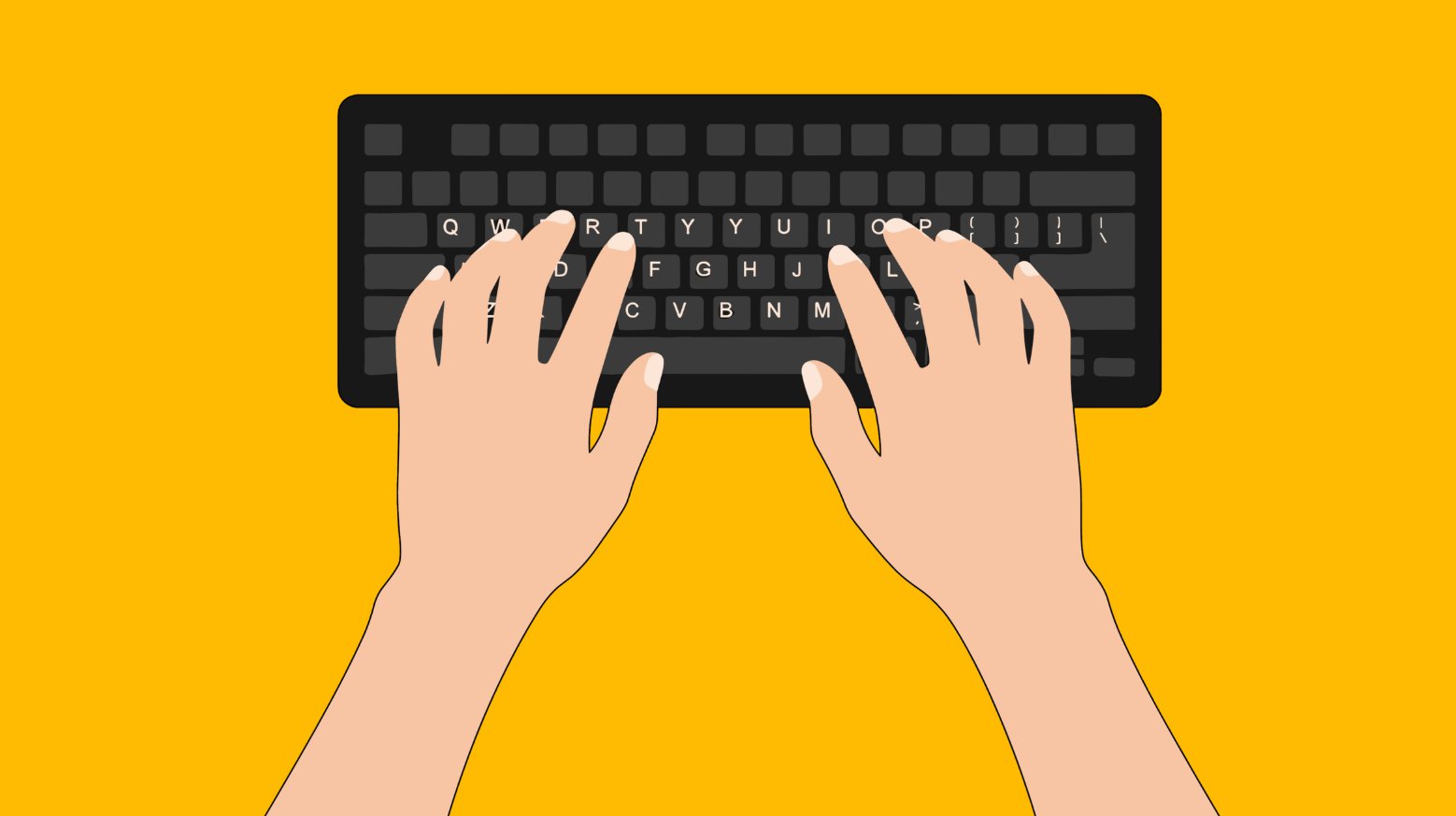
As we mentioned, split spacebars are not only about gaming. They can improve typing and your general workflow as well.
One common setup is assigning the FN layer to the middle space key. This allows you to access secondary functions with your left hand alone. Media keys, arrow keys, symbols, or macros can all be triggered without moving your right hand off the mouse, making your compact keyboard a lot easier to use.
But obviously that’s just one example. The split keys are programmable (and Wootility is extremely easy to use) so you are not locked into a fixed configuration. You can use that extra key for anything you want.
Tactical Shooters Like CS2 and VALORANT
In tactical shooters, you cannot afford to move your fingers off of WASD during a round. Fumbling around with your index finger while trying to find some shortcut key can mean you miss a crucial counter-strafe, leading to an untimely demise. The possibilities are basically limitless, but we’ll highlight some examples on how you can utilize the extra input options in tactical shooters.
Crouch with the Middle Key
Binding crouch to a central split space key can feel more natural than using ctrl. Your thumb is stronger and more stable than your pinky, and the middle spacebar button feels more natural to reach than the sometimes awkward pinky curl you need to do in order to reach left-ctrl. As a result, binding crouch to the middle spacebar key can lead to more consistent crouching.
This is an especially handy shortcut if you’re someone who utilizes crouches a lot during peeks or firefights. Your donk slides will feel a lot more natural with a split spacebar.
Push to Talk
The push-to-talk button in shooter games is often buried away in an awkward spot because it’s not that important for gameplay. But communication in these types of games is everything, so having the talk button positioned somewhere that allows you to use it even if you’re frantically moving around can really make a difference. Having the ability to call out an enemy position while you’re fighting them instead of after is huge.
CS-Specific
Even if you already have all your crucial bindings applied in a logical and consistent manner, you can always use the middle spacebar button for some additional binds. These can include:
- Switching gun hand
- Changing viewmodel position
- Muting teammates (for when you’re clutching)
- …
These are not high-frequency actions, but having them on an accessible thumb key keeps your left hand anchored on WASD.
VALORANT-Specific
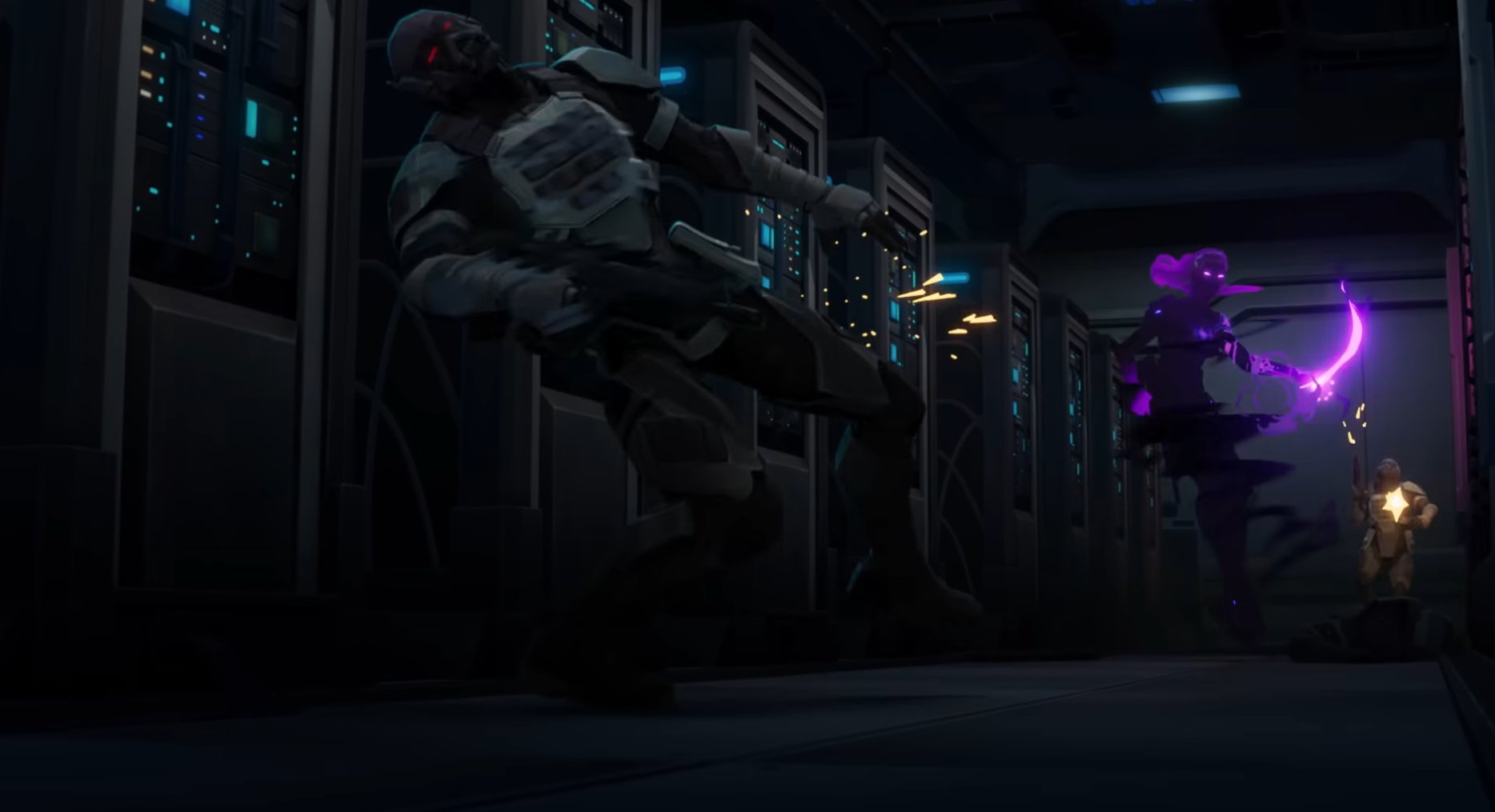
In VALORANT, movement-based abilities benefit from thumb access. For example:
- Raze satchel jumps
- Reyna dismiss or movement abilities
Placing these on the middle spacebar button allows you to have full freedom of movement and aiming while using these abilities, which can give you a massive advantage and make you a lot more consistent when using these kinds of abilities.
 Source: SHATTERED, Riot YouTube
Overwatch
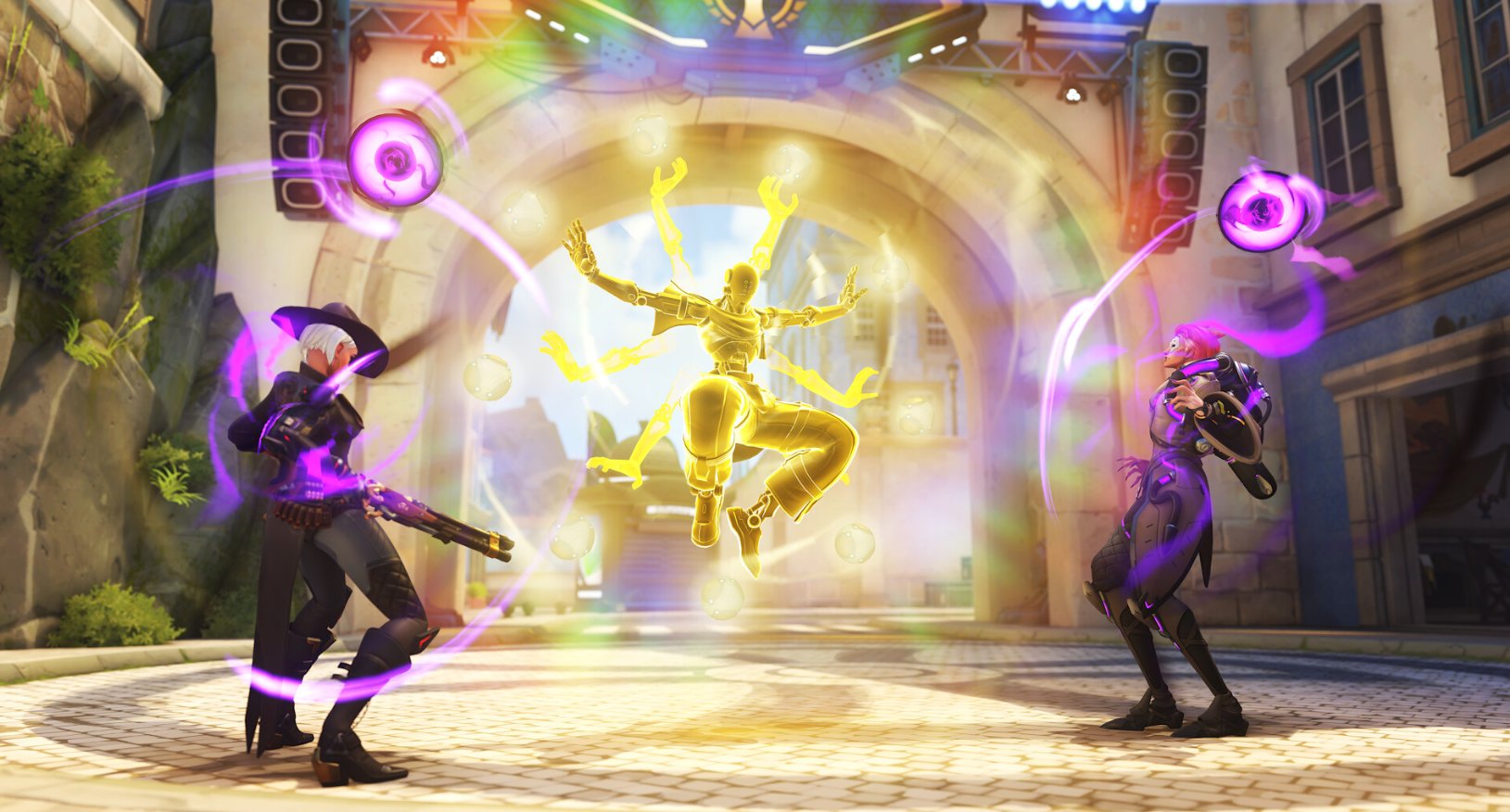
Overwatch is another game where having an extra input option in a natural position can make your life a lot easier. We’re spontaneously thinking of things like Tracer Blinks (you need to have full control of WASD while Blinking if you want to do it properly) and Junkrat’s mines, but there’s also a ton of value in binding abilities like Zen’s orbs to the space bar buttons that you’ll free up by going with a split spacebar. This way, you can keep moving and dodging enemy fire while applying your orbs.
Arc Raiders, Apex Legends, and Faster-Paced Games
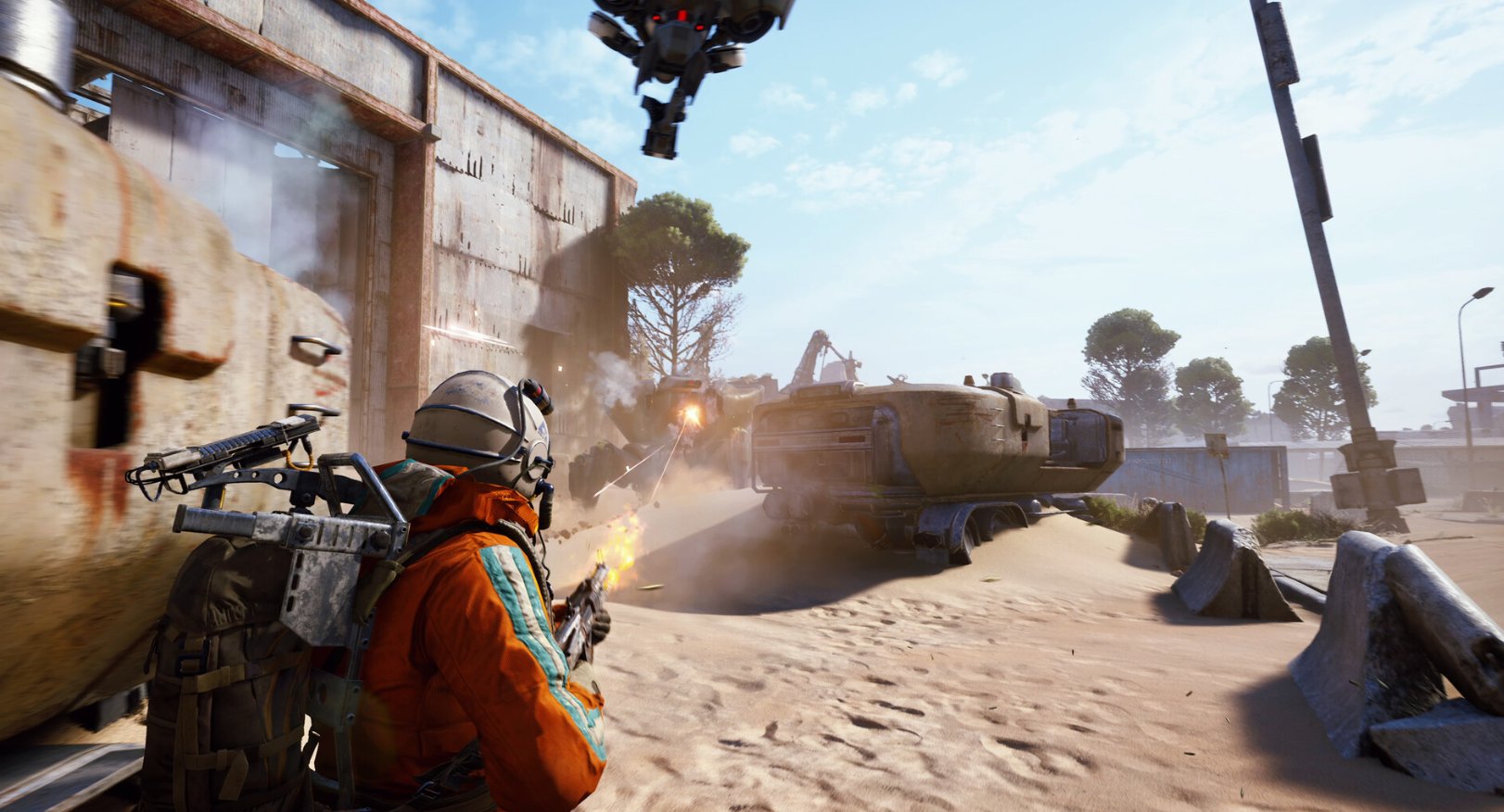
In third-person extraction-style shooters like Arc Raiders and BR games like Apex, movement mechanics are more dynamic. Rolling, vaulting, and mobility actions often determine survival.
Mapping roll or vault to a split space key allows you to react quickly without reaching for secondary keys. When engagements are fast and positioning changes constantly, shaving off even small input delays can help.
This applies across all movement-heavy titles. Any game that rewards fluid traversal can benefit from extra thumb-accessible binds.
In games like Apex Legends, you bind the key to open your inventory, pull out healing items, or even the ping function.
Games like Arc Raiders and Apex Legends often have more inputs you need to consider, so players often end up binding actions to suboptimal keys. Having two extra buttons (you can of course also bind the right spacebar) within thumb’s reach can make your life as a player of these types of games a lot more consistent and streamlined.
Other Games
A split spacebar doesn’t really need to be limited to competitive games. If you use the analog technology of Wooting boards to turn your keyboard into a controller when racing, for example, you could bind the left spacebar key to regular braking and the middle spacebar key to the handbrake, allowing you to race with one hand on the keyboard.
In story-driven games, you could have it bring up the map, as the normal bind for that is often on ‘M’, which forces you to move your hand off of WASD or your mouse. The same goes for your quest log.
Endless Possibilities
As you’ve been able to read, there isn’t a singular ‘best scenario’ to fully utilize a split spacebar. It’s simply an extra means of controlling your game. What’s more is that the central spacebar key is located in a super natural position for your thumb. This means that you don’t have to force your hand or fingers into an awkward position in order to reach it.
If you’ve ever thought ‘I wish I had an extra button to bind actions on’ then a split spacebar is a super interesting way of adding that button in a compact layout, without having to disturb your productivity sessions.
Conclusion
Is a split spacebar absolutely necessary? Well, no. You can play at a high level without it. Most professionals still use traditional layouts.
But competitive gaming is full of marginal gains. If you are already optimizing sensitivity, crosshair settings, polling rates, and switch types, rethinking your key layout is a logical next step. Using a split spacebar won’t drastically change the way you approach your game, but it can make you a lot more consistent as a player because of the simple fact that you get extra input options that are located in a very natural position.
For players who value customization and control, it is a practical, performance-focused feature worth considering.


