Introduction
The Elgato Stream Deck has been a popular piece of kit with gamers and productivity enthusiasts for a long time now. And recently, Corsair launched the world’s first gaming keyboard with an integrated Stream Deck in the form of the Galleon 100 SD. In this article, we’ll focus a bit on how you can fully integrate the Stream Deck functionality into your life as a gamer. The ideas presented in this article are of course just that: ideas. The possibilities of a Stream Deck are huge, so you’re bound to come up with some unique ways to customize your Galleon 100 SD for your use case.
Ease of Use
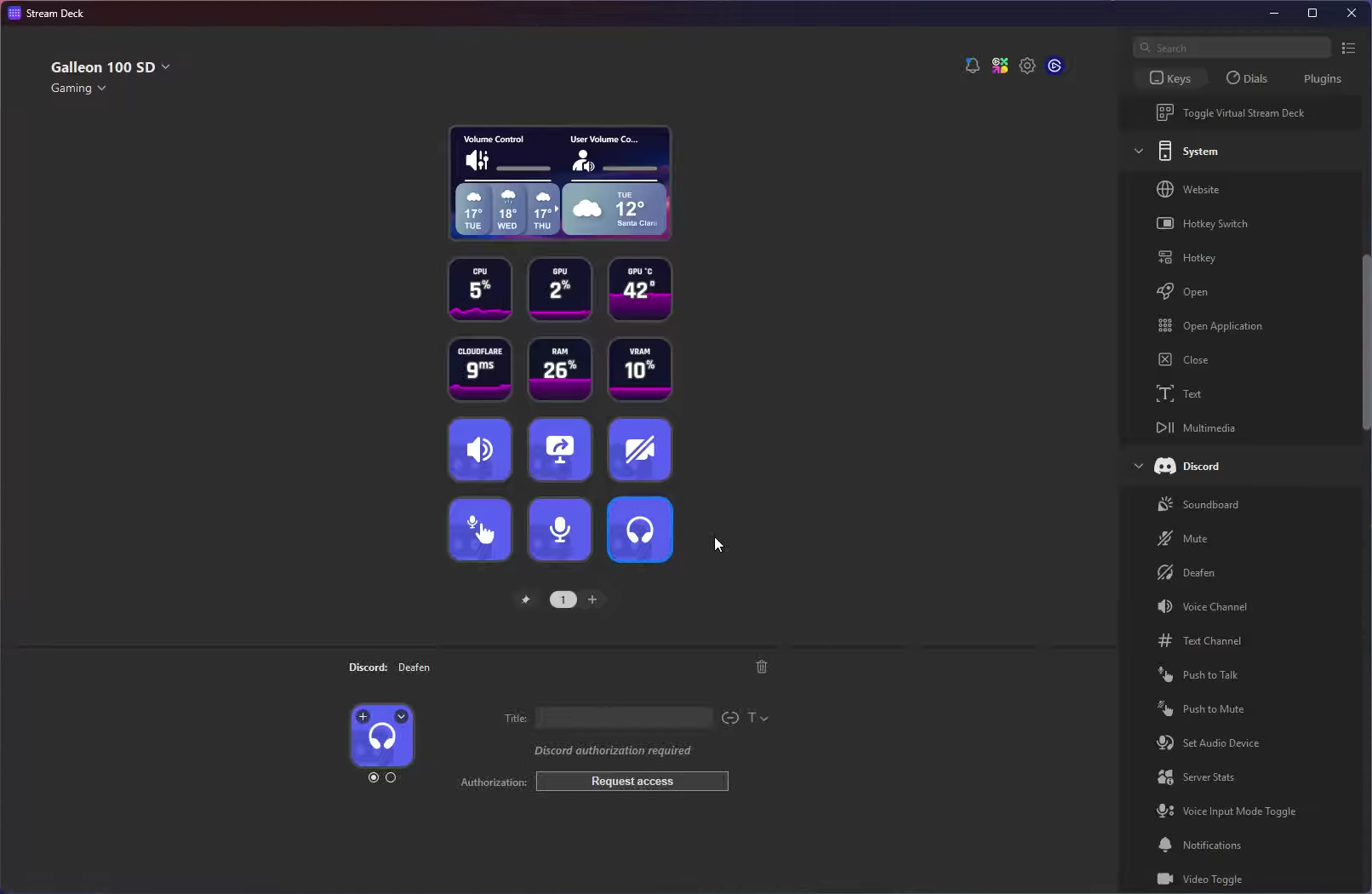
The first thing we should get out of the way is how easy it is to create your own profiles and buttons on Stream Deck. Macropads, automation, and customization can feel like daunting tasks, but Stream Deck is extremely easy to use. The software is very clear, with a drag and drop interface and pre-made actions that’ll have you creating your own folders and shortcuts in no time.
If you want to dive into more intricate, game-or-task-specific actions immediately, you can also visit the Elgato Marketplace. There, you’ll find tons of plugins, icons, profiles, and even screensavers that’ll allow you to customize the look and performance of your Stream Deck.
Even if you have no experience with macropads at all, Stream Deck is extremely easy to use.
Optimizing Your Inputs
If you’re playing games, your inputs matter a ton. MMO players juggle dozens of abilities. Tactical FPS players rely on precise binds. Battle royale players manage inventory. Depending on the game, this can get very complex in its own right, and if you’re also on Discord or you want to do things like record your highlights and so forth, things can feel very dense very quickly.
If you want to create a gaming environment with a clean separation between your regular keys (movement and so on) and other keys (macros, binds, etc.) then a solution like the Galleon 100 SD can slide right into your setup. It will deliver a cleaner gameplay experience and result in fewer avoidable errors, depending on the game you’re playing.
Another major advantage of the Stream Deck over using regular keyboard inputs or a macropad is that you can display info right there on the buttons. You don’t need to guess where that one shortcut that you don’t often use is, you can see it right there on your screen. This makes it a lot easier to get into the habit of using shortcuts and macros.
MMOs
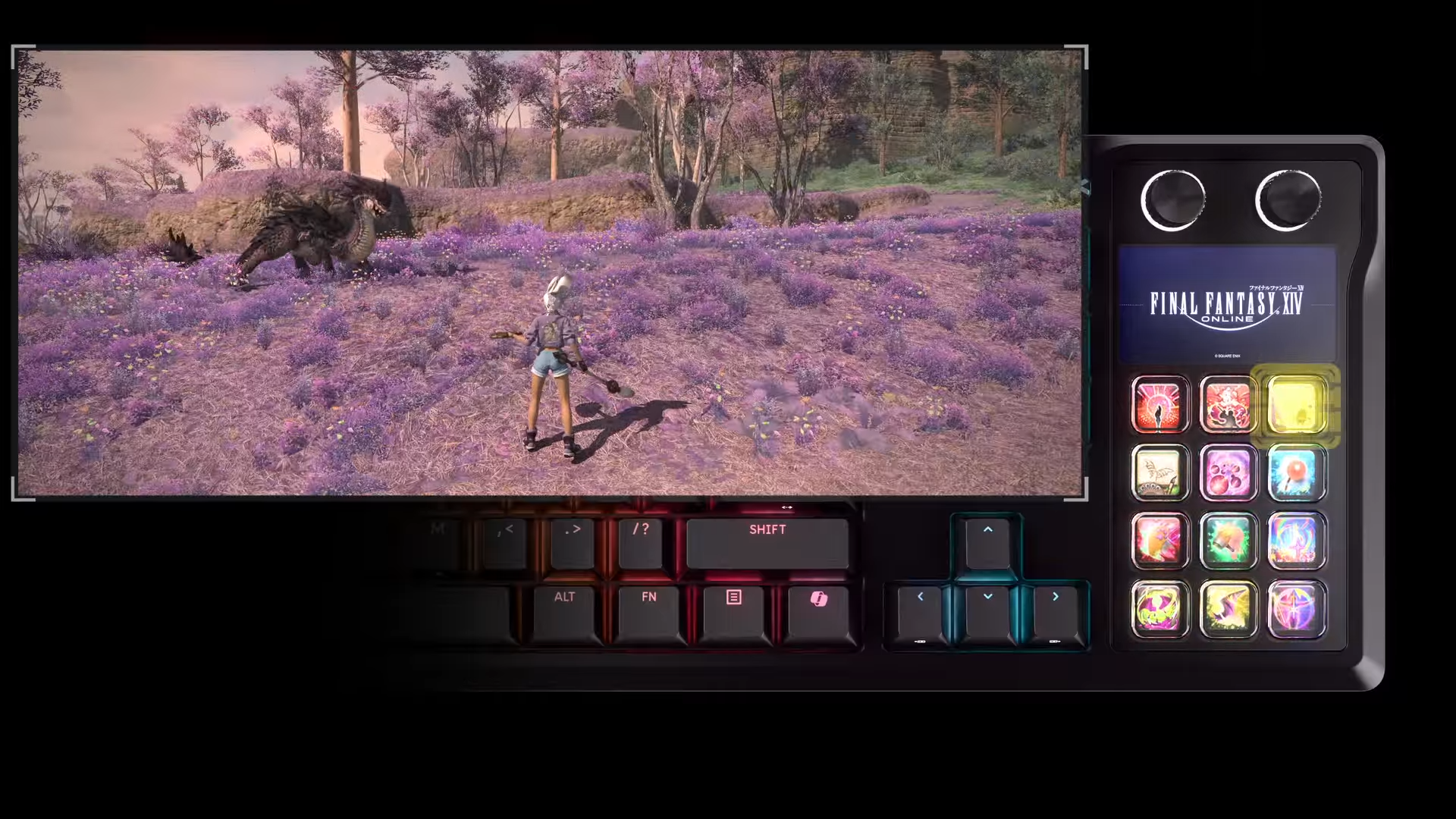
We see the Stream Deck module as an ideal MMO companion.
In World of Warcraft, for example, keybind bloat is real. A fully leveled account can easily have more than 30 binds. Add arena focus macros, target-of-target abilities, mounts, consumables, raid markers, and utility spells, and your keyboard layout becomes crowded quickly.
A Stream Deck module allows you to separate core abilities from situational tools. Instead of stacking multiple modifiers like Shift, Ctrl, and Alt on the same keys, you can assign certain categories of actions to dedicated shortcut folders or buttons. Defensive cooldowns, external raid utilities, and targeting macros can each have their own labeled folders, for example.
It’s a similar story in more competitive games like Dota 2 and LoL. Thanks to Stream Deck’s huge Marketplace, you can do things like streamlining the draft phase with auto-accept, auto-pick, auto-ban, and auto-summoners. You could also get real-time visual alerts for things like Baron Nashor spawns.
Of course, you can also create your very own layouts instead of going with what you find on the Marketplace.
In ‘input-dense’ games like MMOs, the Stream Deck really shines.
Tactical Shooters
In tactical shooters like Counter-Strike 2, execution consistency is critical. Players already use in-game binds for jumpthrows, practice server commands, and utility presets. A Stream Deck makes this process even more natural and user friendly.
Speaking of utility: you could create folders with lineups for each individual map. If you keep forgetting that window smoke on Mirage, for example, you could navigate to the Mirage folder, press your custom-created Window Smoke button, and be immediately directed to the video or webpage with instructions on your second monitor.
Additionally, practice configuration commands, grenade trajectory toggles, and demo review tools can all be displayed in their own unique folders. Things like buy binds are also extremely easy to set up. You no longer have to guess which button corresponds with a full buy, you can now just press the button marked Full Buy.
You can also easily bind some of our recommended CS2 binds to the Stream Deck.
In games like these, Stream Deck is not about gameplay automation or ‘cheating’. We see it more as something that makes your experience with the game (and improving at said game) a lot easier and user-friendly. And considering the fact that lineups and overall tactical prowess are an important part of what makes a good tactical shooter player great, these streamlining qualities of the Stream Deck can really speed up your progress.
Other Games
The Galleon 100 SD’s Stream Deck section is so expansive that it has basically limitless possibilities.
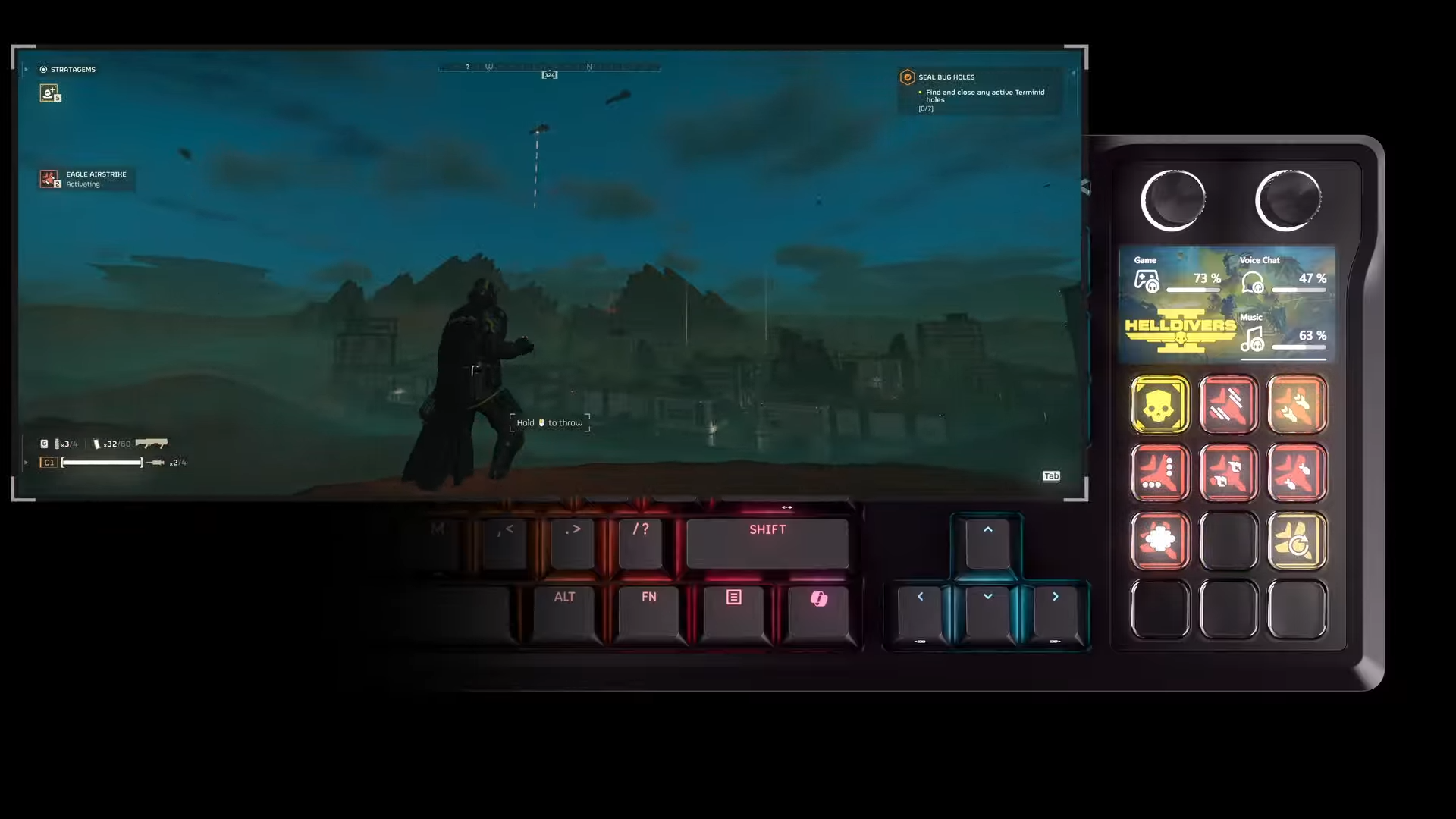
In Helldivers 2, for example, stratagem inputs require precise directional sequences entered quickly. Some people consider these tense moments part of the game’s appeal, but others seem to always falter in these high-pressure scenarios, ruining the run for themselves and their teammates. If you’re one of those people, you can very easily automate the stratagem input process by creating macros. You can then assign the correct icon to each button. Corsair has a full guide on how to do this on their website.
In games like Fortnite, offloading certain non-core actions such as replay capture, creative mode tools, or other permitted shortcuts to a secondary panel can greatly increase your quality of life.
Again, this is about organization and ergonomics.
Optimizing The Learning Process
Even players who do not stream full-time benefit from shortcut controls. Many competitive players record scrims, capture highlights, or mark moments for later review. A Stream Deck module can handle recording toggles, clip saves, and all of that. Instead of fumbling around alt-tabbing or trying to remember your highlight recording shortcut when you just made a sick play, simply press the button labeled Highlight Record or whatever you decided to name it.
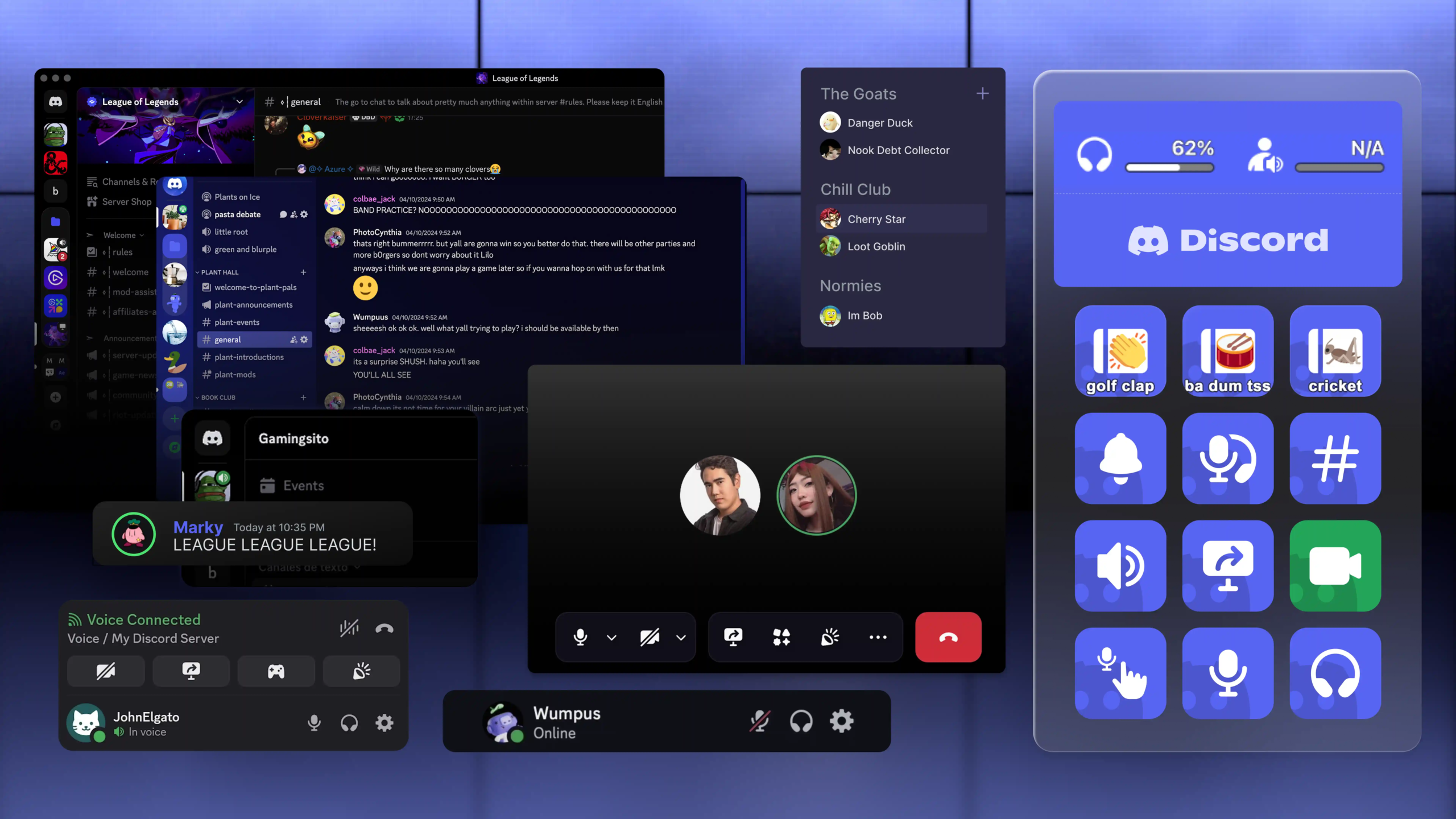
The same goes for voice chat. You might be in the middle of a clutch scenario when your friends decide it’s time to talk about their gardening adventures. Having a quick hotkey to mute Discord (or lower the volume, for example) can mean the difference between winning that round and losing it.
Not Only For In-Game Inputs
The Stream Deck is a very powerful tool that isn’t limited to gaming/streaming inputs only. You can have it display your system’s status, for example. It can be handy to monitor CPU temps when you’re breaking in a new system.
You could also display timers (which can be handy for in-game cooldowns, too), show the time around the globe, or show the weather expectations.
You can also use it to control your smart lights, or even control your thermostat. So if you’re burning the midnight oil, you can dim the lights and raise the temperature of your room without getting up and losing focus.
Naturally, the Stream Deck is also an ideal companion for work or general productivity. There are tons of apps in the Elgato Marketplace that are meant to make your life as a productive individua al lot easier, and many people have integrated Stream Deck as an integral part of their workflow.
The Bigger Picture
A Stream Deck module does not improve aim, game sense, or reaction time. Those are built through practice. What it can do (and does really well) is remove unnecessary fumbling from your setup.
It can separate core gameplay from utility. But it can also reduce keybind clutter in MMOs. It can improve consistency in tactical shooters. But it can also simplify multitasking in chaotic co-op games. It can also improve comfort during extended sessions by distributing input across more than one device.
As you can read, the possibilities are practically endless, so no matter what your game or gaming process is, you’re bound to find a setup that makes your life easier.


