Introduction
For years now, members of our lovely community have been asking how they can support us directly, and now the option is here.
If you want to buy us a coffee (or a beer on the weekend!) then you can do so, and if you want to support us even more, there’s also the option for that.
Why Patreon?
Over the years, we’ve had numerous requests from users asking how they can support us. We’re a small team of enthusiasts, so any support is very welcome. Supporting us means you’re directly contributing to server upkeep and maintenance, the development of new features, and hosting, and so on. In other words: you’re directly helping the website stay healthy and grow sustainably.
Patreon is a well-known player in the industry, and it’s a website with tons of features that is trusted and used by many communities. In addition to all of this, Patreon is safe and reliable, so we made the easy choice to go with Patreon.
The Various Tiers
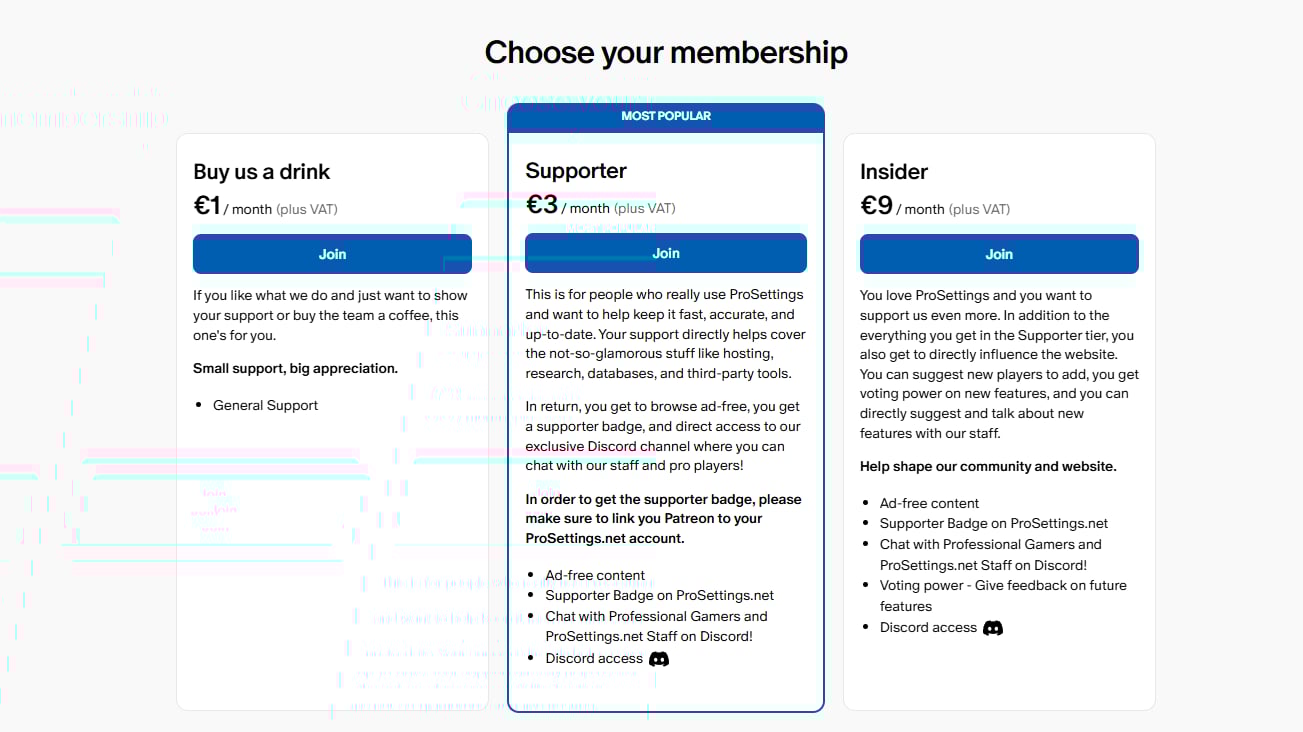
Right now, we have three membership tiers, ranging from $1 a month to $10 a month. Depending on which membership format you select, you’re getting certain benefits on the website and/or on our other channels.
We appreciate any form of support, but obviously this support is optional. Rather than hiding content or crucial information behind paywalls, we choose to give our supporters some nice little extras without hindering the experience of other users. As such, all of the site’s functionality that is currently there will remain completely free to all users.
Important to note is that this is just the start. We’re already planning some really cool supporter benefits like exclusive giveaways, team flairs on the website, and much more. So stay tuned!
Linking Your Account(s)
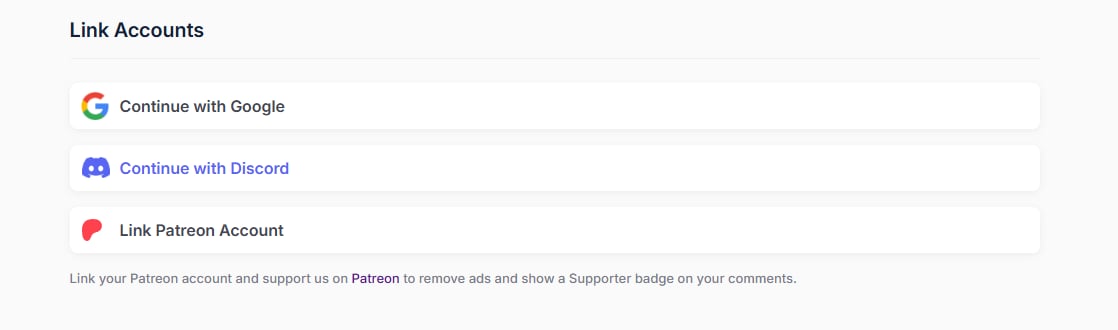
In order to fully enjoy all the benefits that you get with your Patreon support, please make sure to link your ProSettings.net account to your Patreon account. You can do this by going to your ProSettings account settings and clicking the Link Patreon Account button:
Additionally, please make sure your Patreon account and your Discord account are linked. To do this, log in to your Patreon account, click on Settings, click on More and then click on Connected Apps. There, click on Discord and then click the Connect button.
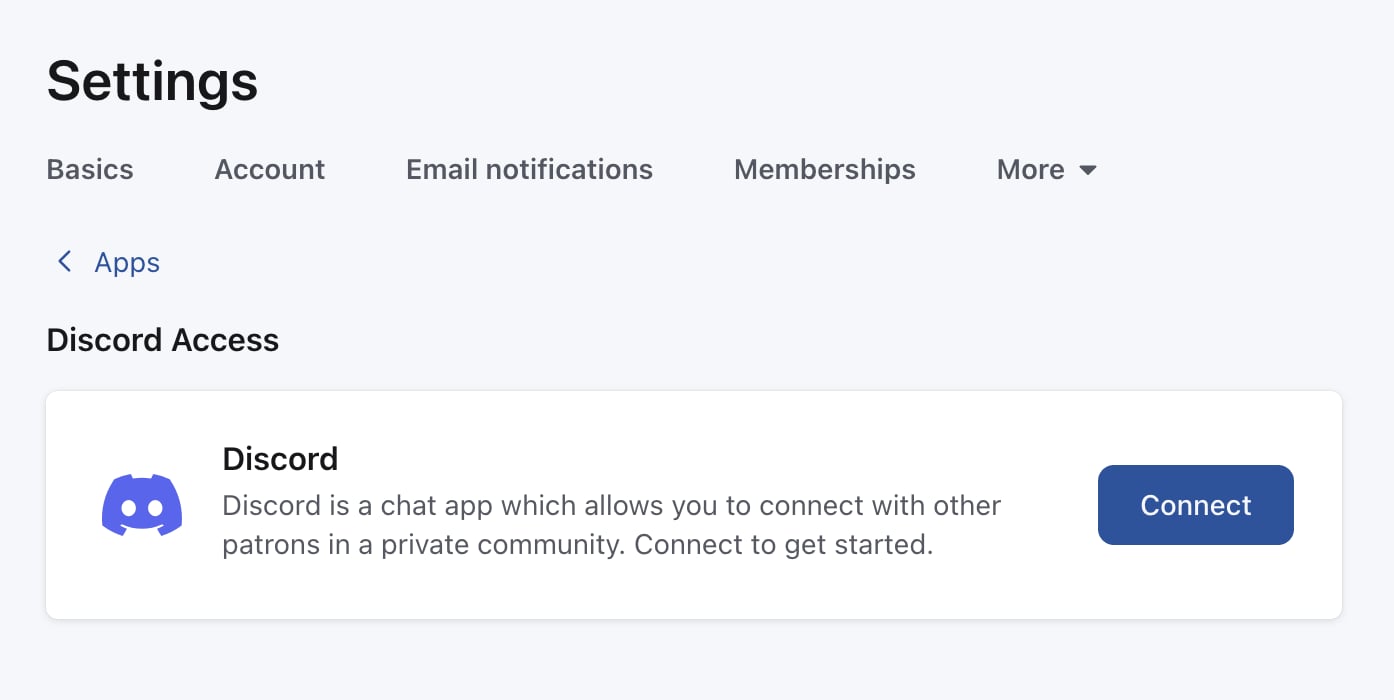
If you’re not logged in to Discord yet, you’ll be prompted to do so. After that, click the Authorize button. You’ve now linked your Discord to your Patreon!
If you need more info or have questions, please visit this page.
We’re very much looking forward to this next step in our community process, and if you have any remarks or ideas, please feel free to share them with us! If you wish to support us, please feel free to visit our Patreon page. Thank you so much for considering supporting us!
Former semi-pro gamer turned writer, product reviewer, and community manager.

