Introduction
When Logitech unveiled its G Pro X2 SUPERSTRIKE with the HITS system, the gaming scene reacted in wildly different ways. Some lauded Logitech’s attempt to revolutionize the gaming mouse scene once again, while others dismissed the idea as a gimmick before the mouse was even released to the public. With tons of hype and hate around the technology, I put Logitech’s HITS system to the test to see if it’s the new standard or rather a quirky gimmick.
If you’re interested in a complete review of the SUPERSTRIKE, you can read it here.
Disclaimer
Before we get into this, I want to make it clear that I am not pretending to be the definitive voice on this subject. This article is by no means intended to discredit the experiences other people have had with HITS. I started testing this system with an open mind and tried to be as objective as possible, but in the end I am just one person who put the HITS system to the test in my own way. All findings and results in this article are my own.
What To Test?
When testing tech like this, it’s important to establish what you’re testing for. My goal was to test the technology from the POV of a potential customer. ‘Are there any real-world benefits to achieve with this system?‘ is a question I was hoping to answer.
As such, I mainly tested the SUPERSTRIKE versus my current main, the Razer Viper V3 Pro. For me, it would make no sense to compare a mouse you’d consider as a next purchase against a mouse you barely even use. As an added bonus, the Razer Viper V3 Pro is also one of today’s top-performing mice, so it’s a good benchmark.
I did my tests across multiple days and at different times. I also always used both mice whenever I tested so that I could avoid moments where I was more ‘locked in’ (or the opposite) tampering with the results. So if I did 10 runs of Human Benchmark with the SUPERSTRIKE, I would also do 10 runs with the Viper V3 Pro.
Click Latency
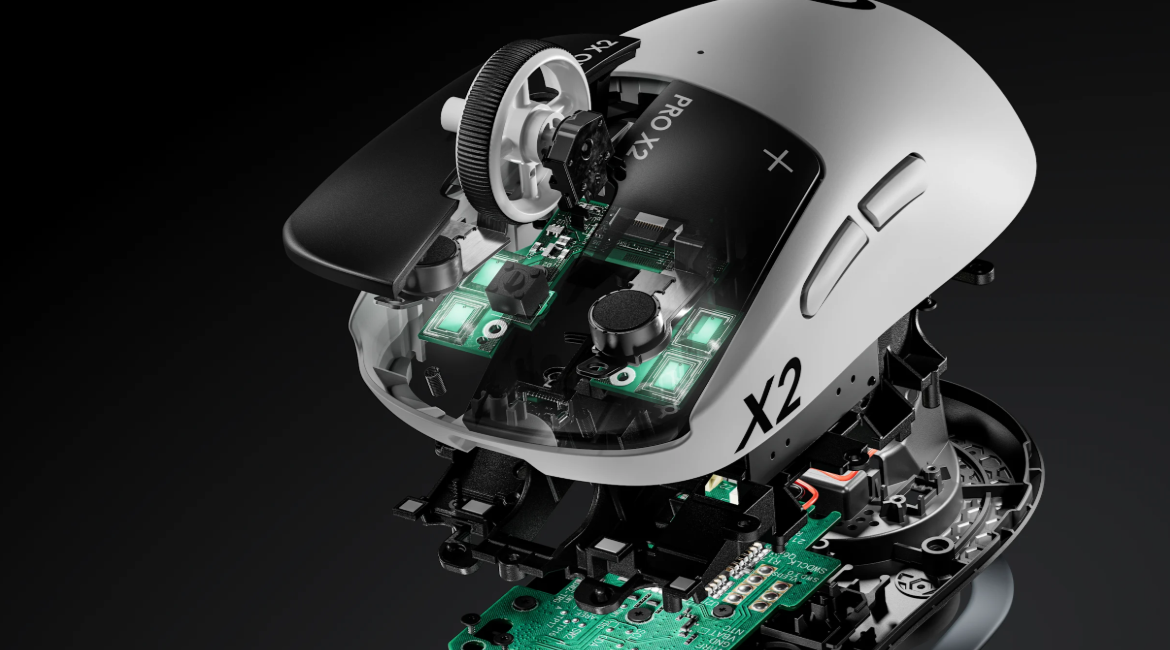
For me, ‘click latency’ is a whole chain of events. It starts with the consistency and weight of the button itself, then goes to the switch activation, then goes to the signal processing, and so on. As such, I was less interested in lab-based testing (there are others out there who do that far better than I do it anyway) and more interested in if I could notice a difference with the mouse as a whole.
Testing Scenario List
To test whether or not the HITS system improved my overall ‘clicking speed’ in actual real applications, I tested it in multiple scenarios:
- CS2 deathmatch
- Aimlabs ‘Detection’ scenario
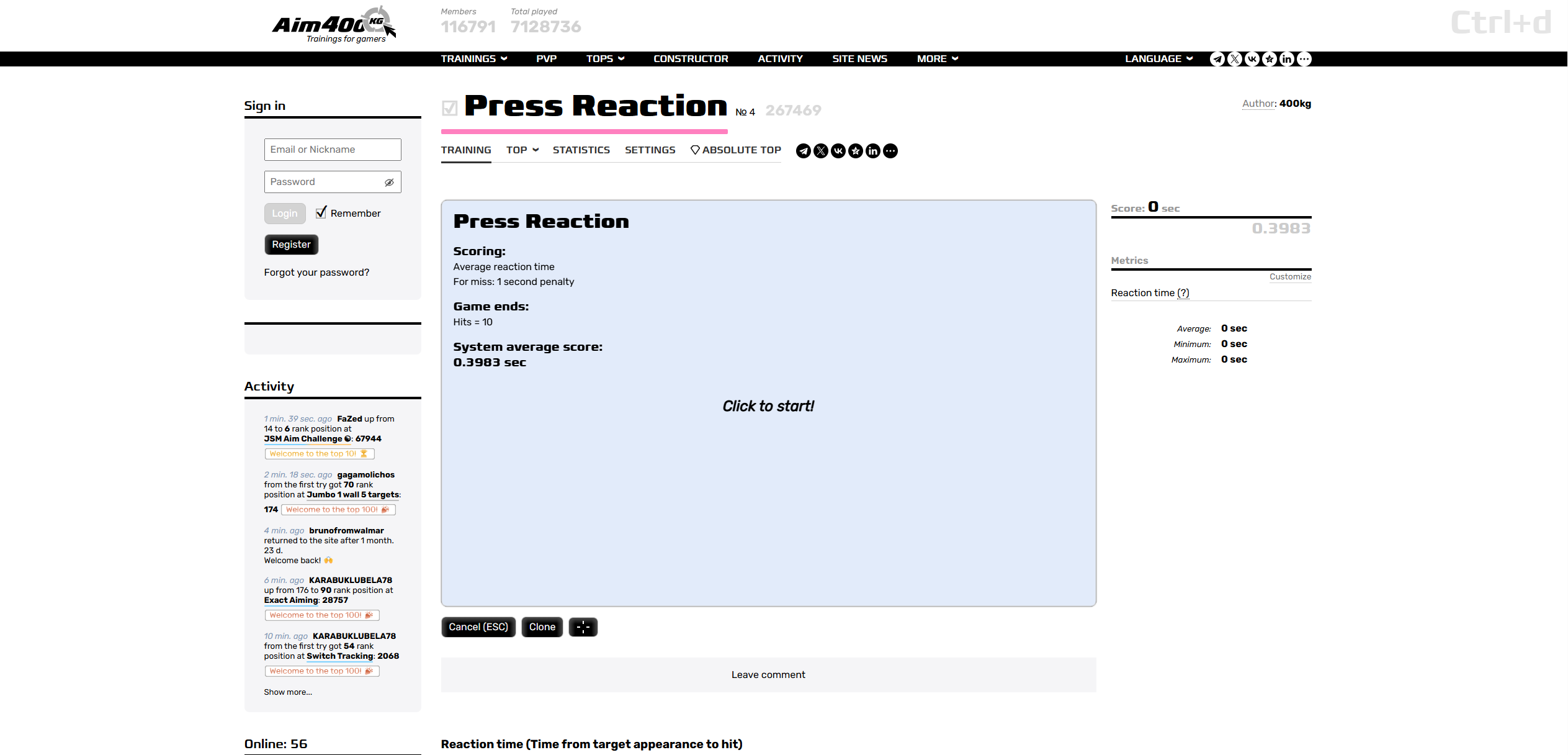
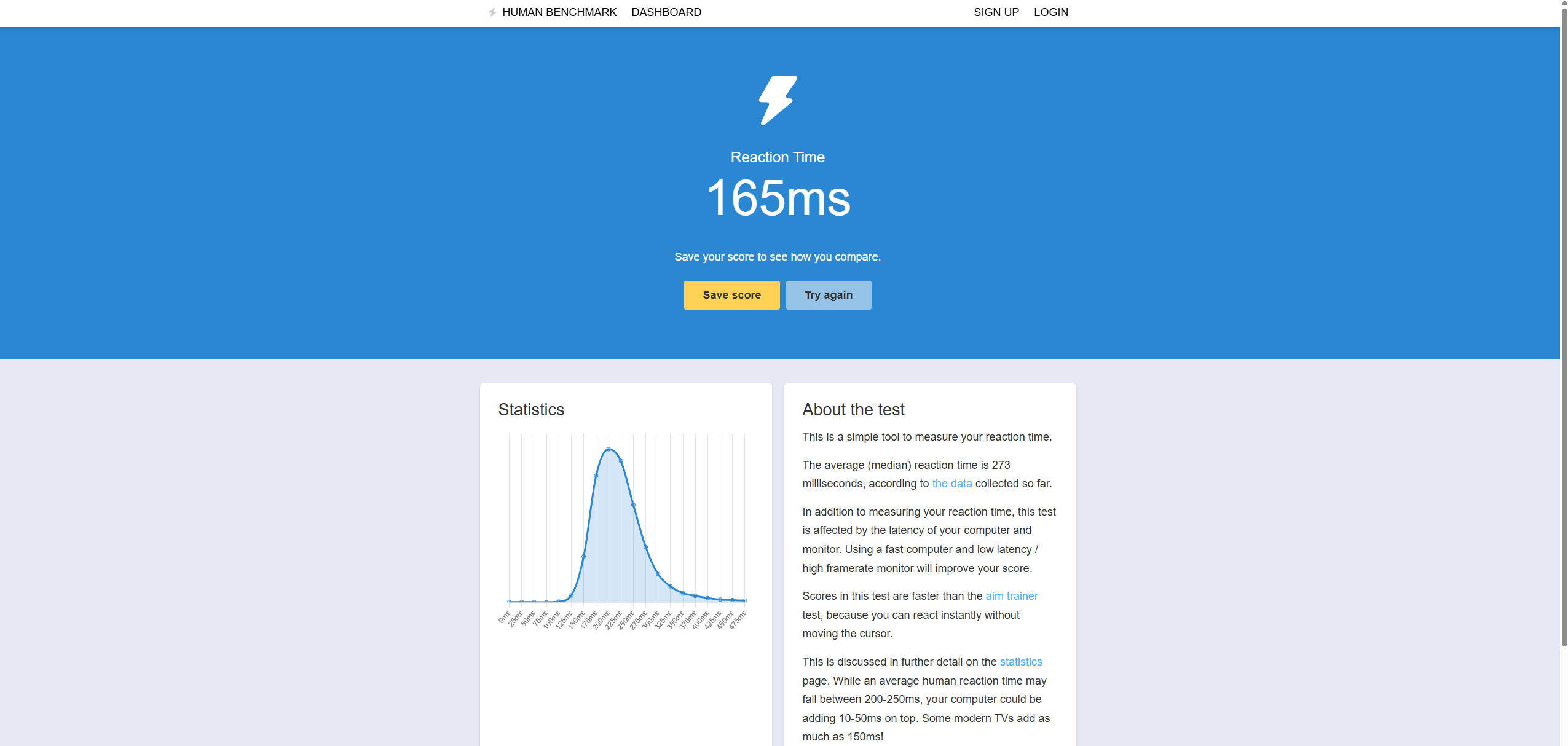
- Human benchmark
- Aimkg400 Press Reaction test
These scenarios, to me, involved everything I needed to test how the mouse would fare in practice. The list involves reaction-based flicks, more straight-up reaction/reflex tests, and also ‘feeling-based’ deathmatch experience.
I tested the SUPERSTRIKE at an actuation level of 3, which I felt was a nice balance between weight and responsiveness. Do note that ‘1’ and ‘2’ (1 is the lightest, 10 is the heaviest) are still very much usable if you like light clicks. I just wanted to test the mouse on an actuation point that would suit a large majority of people to see if there are also benefits there rather than only on the lightest setting(s).
Results
What I found is that the SUPERSTRIKE, on average, improved my performance in purely reaction-based scenarios (Human Benchmark, Aimkg400) by 8-9%. In Aimlabs’ Detection scenario (which involves flicking as well), I saw a 5-6% increase in my score.
Whether or not that’s a major result is something that I will leave up to the reader, but I was quite impressed by this.
In terms of how all of this feels in actual game scenarios (deathmatch, for instance), I’d say that it doesn’t feel like it’s worlds apart from any other top mouse, but I did notice that some shots/kills felt a bit more ‘natural’ to hit, like I was more in tune with the mouse or something. I’m not sure if that’s placebo or not though. And, for what it’s worth, I did not notice any significant changes to my K/D or score.
My Thoughts
In all honesty, I wasn’t expecting the results to be this clear. My testing in applications like Human Benchmark and Aimkg400 was quite consistent: the SUPERSTRIKE with HITS was faster in pretty much every run.
Does that mean that HITS is a cheat code? No, I don’t think so. Winning fights and matches comes down to so many factors that a slight reduction in click latency won’t make your rank shoot up. However, in games with a low time to kill (think VALORANT, CS2, …), it can make quite a big difference in the long run. Pros do anything to increase the performance of their system and peripherals marginally, so even a 5% increase in reaction speed would very much be worth it.
With that said, I am just one person. Your experience may be different.
Custom Actuation
A lot of people talk about the performance benefits of the HITS system, but I personally believe that being able to set a custom actuation point is also massively beneficial. I’ve tested over a hundred mice and I’ve encountered a few where I liked pretty much everything aside from the click tensioning. A mouse with triggers that are too light (or too heavy) just feels wrong to me, so being able to set how heavy or light you want a button to be with software is an amazing benefit.
Testing Scenario
To test the implementation of this, I played around with G HUB and various games. I tried pretty much every combination of haptic feedback and actuation points.
Results
Logitech has implemented this really well. The HITS clicks feel quite different from regular mouse clicks, though. They feel more like the sensation you get from a premium trackpad. There’s a very slight and short rumble when you click. I like that sensation, but I can imagine that people who are into traditional, crispy mouse switches will want to stay far away from this.
With that said, the haptics and actuation settings felt consistent and reliable. I did not encounter any missed haptic events or any wonkiness with the actuation point(s).
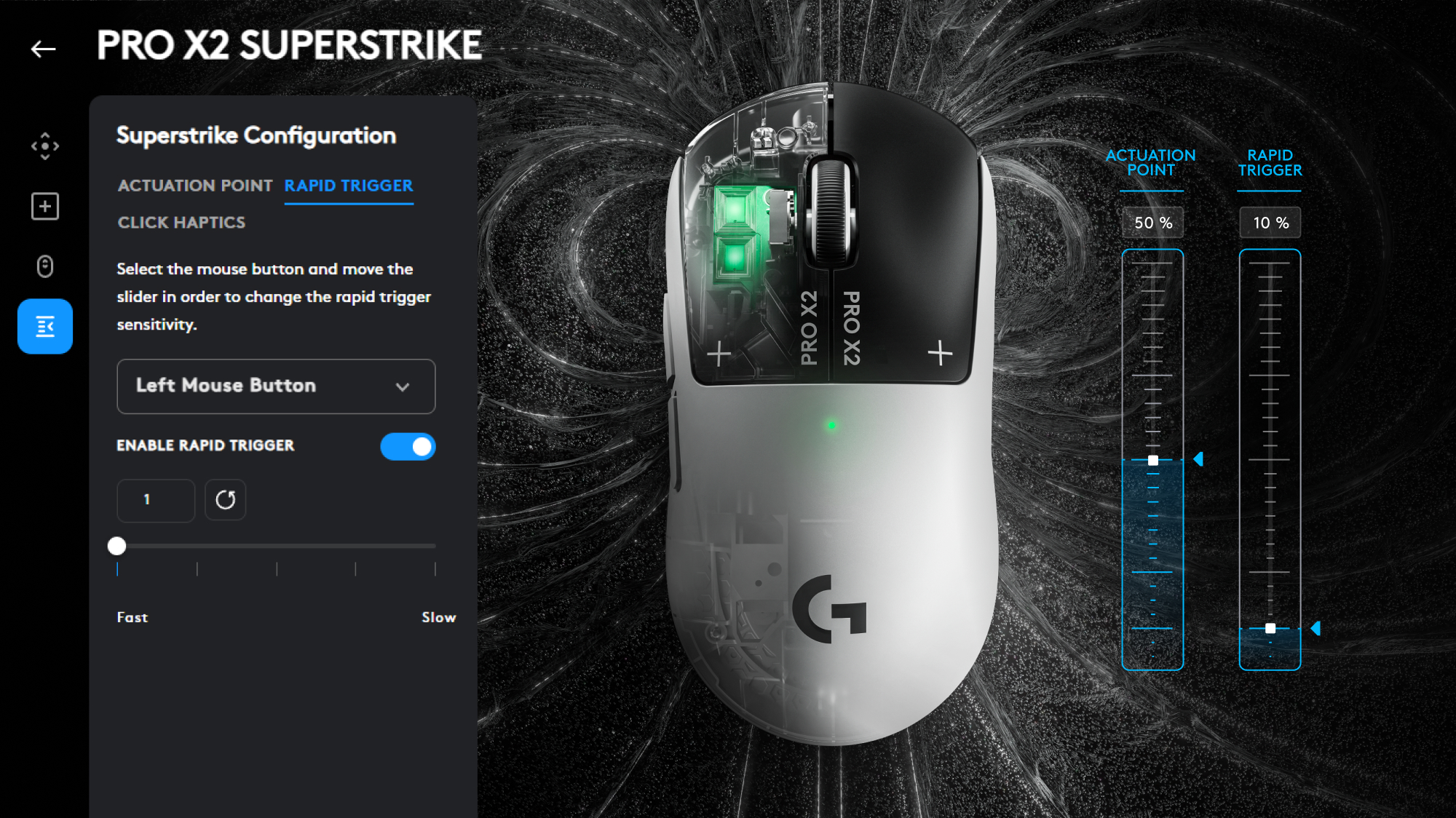
There’s also a huge difference between the two ends of the sliders. Actuation level 1 feels like an eyelash could trigger the click, while level 10 feels like you have to push very deep before it actuates.
It’s similar with the haptics. The lowest level is very subtle, while the highest level feels quite robust.
You’ll definitely find a setting that you like with this implementation.
My Thoughts
For me, this is a big deal. Clicks are something very personal, and the kind of tensioning you prefer can even depend on what type of game you’re playing. Having a mouse that allows you to set the actuation level and feedback level to your exact preference is amazing. Not everyone will like the way the haptics feel, but I honestly do. And, as someone who has often had to put away otherwise fantastic mice because their clicks were either too light or too heavy, I really welcome this aspect of the tech.
Spam Clicking / Rapid Trigger
Another benefit of the HITS triggers is that they have Rapid Trigger. In case you’re not familiar: this is tech that resets a switch the moment you let go of it. So, instead of waiting for a switch to travel back to the reset point, you can immediately activate it again by pressing down.
This, in theory, should result in faster spam clicking.
Testing Scenario
A disclaimer first: I do not play any games where spam clicking is very important. As such, you should probably take my results with a grain of salt, as my CPS (Clicks Per Second) is very much in the average range.
With that said, I went into various websites like CPSTest.org to test my CPS over various test lengths, from 5 seconds to 30 seconds, to test how (and if) my clicking speed would improve.

Results
I tested the HITS system with and without Rapid Trigger active. Without Rapid Trigger active, I did not notice any meaningful changes in my overall clicking speed.
When I activated Rapid Trigger, however, the differences became apparent. When clicking normally, I saw a 6-8% increase in my CPS. That’s quite significant in games where CPS is of the essence, but I also wanted to push Rapid Trigger to the limit by trying out alternative clicking methods like jitter clicking and butterfly clicking.
What I saw then was an improvement of around 20% versus my regular mouse. That is a massive difference, but I should note once more that I am not an experienced ‘speed clicker’, so take these results with a grain of salt.
My Thoughts
If you know how Rapid Trigger works, it was quite obvious that HITS would allow for much faster spam clicking speeds. And this was confirmed in my testing. It’s only natural as well: a normal switch needs to travel back to the reset point before it can actuate again, whereas a Rapid Trigger switch is ready to actuate again across the entire range of motion. This is a massive advantage when it comes to clicking speeds.
Precisely how much improvement you’ll see with a HITS switch over a regular switch will depend on your speed and skill, but you’ll probably be significantly faster with HITS.
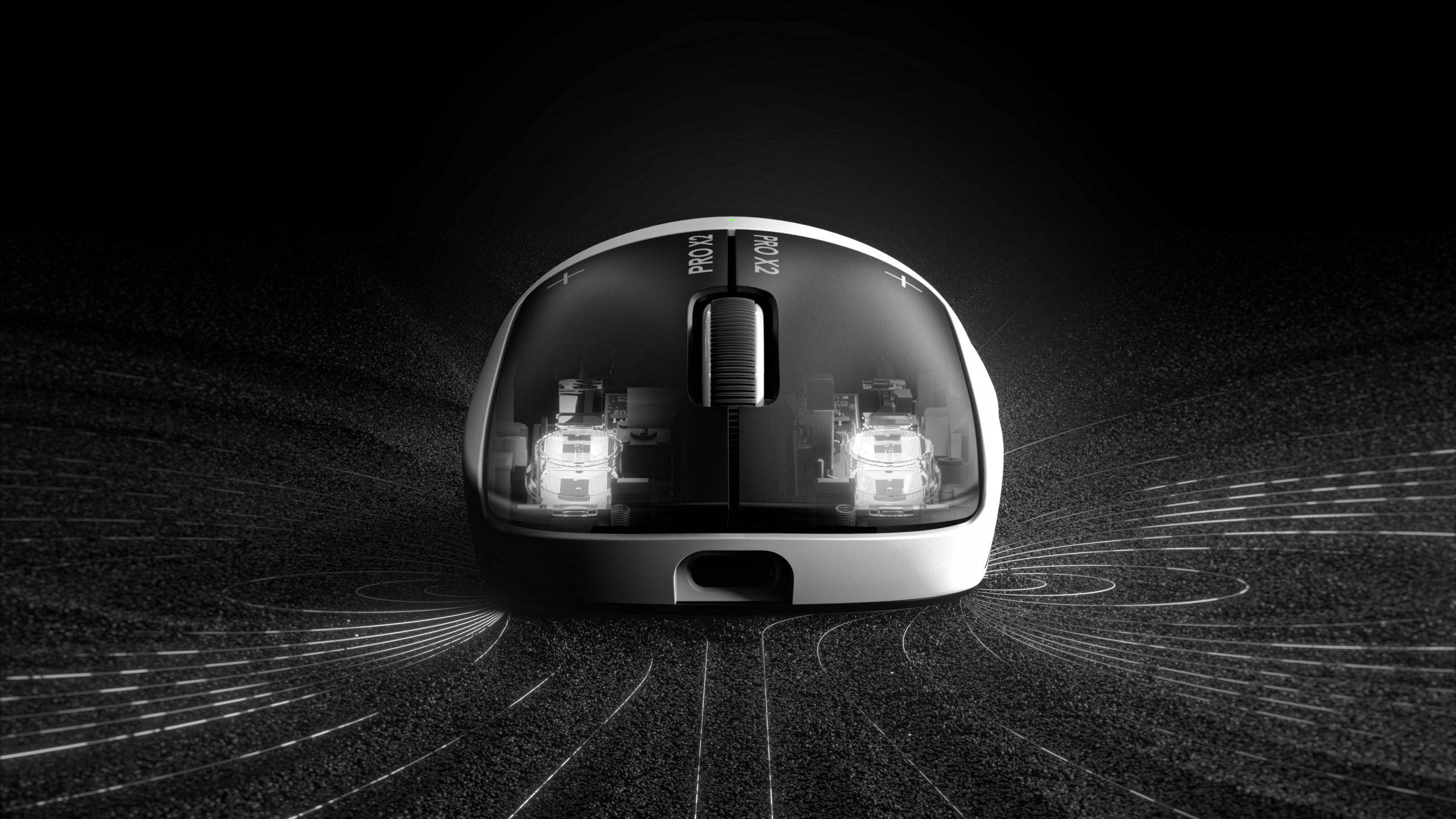
Downsides
Pretty much every piece of brand new technology has a number of downsides attached to it, and that’s no different with HITS.
The major downside is something that I’ve already touched upon, and that is the click feeling.
I am personally not someone who is extremely peculiar about clicks; as long as they’re well-implemented (meaning no switch grinding, no excess pre-, post-, or side travel) and fall within my preference range in terms of tension etc., I will rarely complain about how a click feels. However, there’s no denying that the HITS clicks feel very different from regular mouse clicks. They feel a lot less tactile and crispy, so if you’re someone who finds those things important, then you should definitely know that HITS will give you a drastically different experience.
Another factor that might be a downside is the longevity/complexity. HITS clicks are undoubtedly more intricate than regular clicks; there’s the switch itself, and then there’s the whole haptic and detection factor. If one of those fails, the whole thing essentially becomes useless. I tried using the HITS clicks without any haptic feedback, for example, and that felt absolutely unusable to me.
Of course, this second point is only theoretical. I’ve been using analog keyboards for years without any issues, for example, so I’m not saying that HITS mice will fail any quicker than regular mice. It’s just something to think about.
Conclusion
Logitech’s HITS system is, to me, much more than a gimmick. I honestly believe that this represents a significant leap forward for the gaming mouse scene.
Performance
Whether it’ll improve your performance as a gamer in a noticeable way will depend on a number of factors, of course. But there’s no denying that HITS has performance benefits over regular mechanical or optical clicks. And small as these performance benefits may be in some areas, pro and high-level gamers are constantly looking for ways to add small advantages to their game. Having a mouse that allows you to respond quicker or spam faster thus becomes a no-brainer if the shape of the mouse feels good to you.
Of course, HITS isn’t a ‘git gud’ shortcut. Nothing is. You will still have to practice hard if you want to become good at any game. A good player on a traditional mouse will still stomp you with your HITS mouse if you’re not on their level. But I noticed clear and repeatable performance improvements when testing a HITS mouse versus my main mouse, so in terms of raw performance, HITS does better than traditional mouse switches. Not everyone may have the same results, but for me, it’s quite clear.
Still, clicks and latency are only a small part of the equation. For me, shape is still king, for example. I used to main the G Pro Wireless, so I am very familiar with the shape of the SUPERSTRIKE, which is currently the only available mouse with HITS. But I imagine that people who don’t agree with the shape will play worse with the SUPERSTRIKE than with their main mouse just because shape is so important. So please know that specs aren’t everything. If you’re looking to learn more about finding your personal perfect mouse, feel free to read our article on the subject.
Other Features
Even looking beyond purely performance, HITS offers a number of benefits over traditional switches. By far the most obvious one is that you’re able to choose the actuation point and feedback for each button. Being able to dial in the clicks so that they perfectly match your preferences is, to me, a huge and often overlooked aspect of this technology.
The days of finding a great mouse that you basically can’t use because the clicks are too light are over if HITS becomes mainstream, for example.
And beyond that, it’s also amazing to have the ability to tweak your click set based on whatever it is you’re doing. Maybe you want your right click to be far more rigid in order to prevent accidental ADSing or scoping, for example. That’s possible with HITS. Or maybe you want hair triggers when you’re playing LoL and much more robust clicks when playing CS2. That’s also possible.
One final advantage (to me) is that the clicks are quiet. No longer do I annoy my partner when I’m frantically clicking away while she’s trying to read a book. It’s a minor thing (and won’t be an advantage at all to some people) but I do like the quiet aspect.
Final Words
As far as I’m concerned, Logitech is responsible for yet another gigantic leap forward in gaming mice tech. I personally predict that this technology will go the same way as the HE switches did in analog keyboards. Not because HITS makes a mouse extremely obviously better than a non-HITS mouse but because the tech does offer better performance and more options for the end user to customize their mouse to their specific playing style. I’m excited for the future.

